Philips Hue and premium ecosystems for Google Assistant users
Philips Hue remains the reference smart light ecosystem for many Google Assistant households. The Philips Hue Bridge uses Zigbee to manage dozens of bulbs with low latency, while the Google Home app and voice controls handle scenes, routines, and dimmable settings. This combination gives you a stable backbone when you want the best smart lights compatible with Google Assistant across an entire apartment or house.
Hue White bulbs focus on warm or cool white light, while Hue White and Color Ambiance bulbs add full color changing capabilities. If you mainly read or work under a light, the white options with adjustable color temperature are often enough, but living rooms and gaming spaces benefit from the richer color scenes. Because each Philips Hue light bulb reports its lumens and power use clearly, you can match brightness precisely to each room instead of guessing.
One trade off is that Philips Hue usually has a higher price per bulb than many Wi‑Fi competitors. However, the app is polished, the automations are reliable, and the ecosystem works with Google Assistant, Amazon Alexa, and Apple HomeKit without awkward workarounds. When a product integrates this cleanly with Amazon Alexa and Google Assistant, you spend less time troubleshooting and more time actually enjoying your smart bulbs.
Some newer Hue LED bulb models support Matter smart home standards, which means they can work with multiple platforms through a single protocol. Matter compatibility helps if you mix Google Assistant speakers, Amazon Echo devices, and Apple Home hubs in the same home. When a bulb is compatible with Matter and clearly marked as “works with Google Assistant” and “with Alexa”, you gain flexibility to change ecosystems later without replacing every light bulb.
Because Philips Hue uses a hub required for its Zigbee bulbs, setup differs from simple Wi‑Fi smart bulbs. You connect the Bridge to your router, add bulbs in the Hue app, then link Hue to Google Assistant and Amazon Alexa accounts so that both platforms can work with the same scenes. This extra step pays off when you scale to many light bulbs, because the hub keeps traffic off your Wi‑Fi and improves responsiveness.
If you feel overwhelmed by choices inside and beyond Philips Hue, a structured framework helps. A detailed decision guide on how experts pick a smart bulb breaks down priorities like brightness, color, ecosystem, and price into a simple checklist. Using that type of framework, you can compare Philips Hue products against other best smart lights compatible with Google Assistant and decide whether the premium ecosystem is worth it for your specific rooms.
Wi Fi smart bulbs that work with Google Assistant and Alexa
Not everyone wants a hub required for their first smart light setup. Wi‑Fi smart bulbs that work with Google Assistant and Amazon Alexa offer a direct path, because each LED bulb connects straight to your router and then to your voice assistants. This approach keeps hardware minimal, although too many Wi‑Fi bulbs can eventually crowd a weak router.
Popular Wi‑Fi smart bulb brands include TP‑Link Kasa, Tapo, Wiz, and Govee, all of which offer white and color changing options. Many of these bulbs advertise that they work with Google Assistant and Amazon Alexa, and some even mention Amazon Echo or Nest speakers directly on the box. When you see “works with Google Assistant” and “with Alexa” logos together, you can be confident that the same light bulbs will respond to both ecosystems without extra bridges.
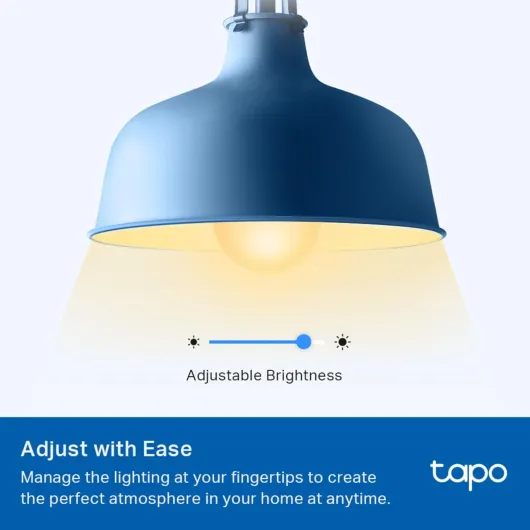
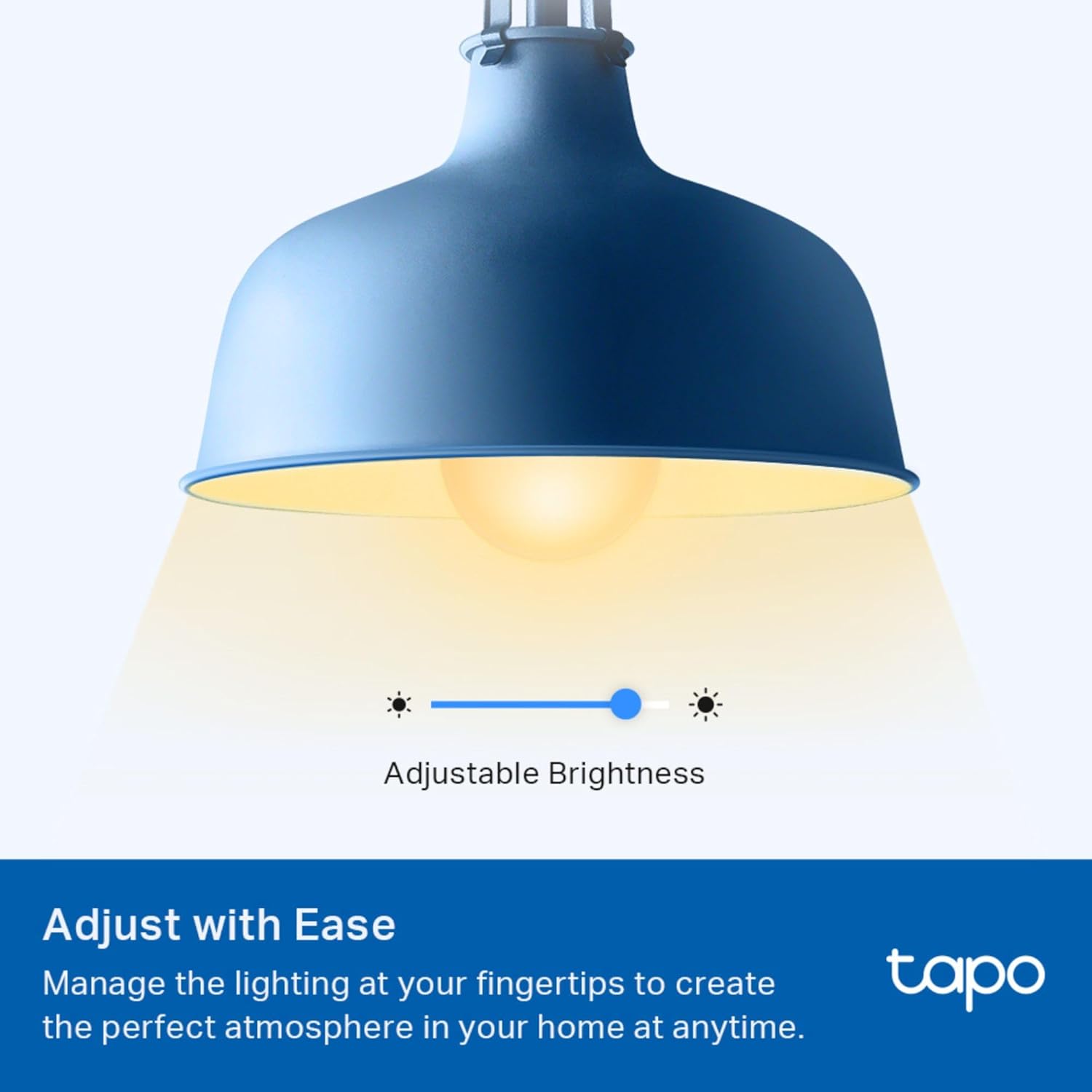
Brightness and color temperature controls are usually handled through the manufacturer app, with Google Assistant and Alexa voice commands layered on top. You might say “Hey Google, dim the bedroom light to 30 percent” or “Alexa, set the desk light bulb to warm white color” and the bulb will adjust both brightness and color temperature. For more advanced scenes, the app often exposes extra options like dynamic color changing effects or scheduled routines that sync with sunrise and sunset.
Price is where Wi‑Fi smart bulbs often shine compared with Philips Hue or other hub based systems. A single dimmable LED bulb with tunable white color can cost less than a restaurant meal, while multi packs of light bulbs bring the per bulb price even lower. This makes Wi‑Fi bulbs an attractive product for renters or students who want the best smart lights compatible with Google Assistant without investing in a full ecosystem.
Wall mounted smart light fixtures and smart wall lights extend the same idea beyond simple bulbs. Many of these fixtures include integrated LED modules, color changing effects, and support for Google Assistant, Amazon Alexa, and sometimes Apple HomeKit. A curated list of top smart wall lights can help you compare lumens, style, and compatibility when you want accent lighting that still works with your existing smart bulb setup.
When you compare Wi‑Fi smart bulbs, pay attention to how the app feels on both Android and Apple devices. Some apps are slow, cluttered, or unreliable, which makes even the best smart bulb hardware frustrating to use with Google Assistant or Amazon Alexa. Reading recent user feedback about connection stability, firmware updates, and how well the bulbs work with Amazon Echo speakers or Nest hubs will save you from buying a product that looks good on paper but fails in practice.
Matter smart lighting and future proof compatibility
Matter smart home standards aim to simplify how every smart light, plug, and sensor connects to platforms like Google Assistant and Amazon Alexa. Instead of each product using its own cloud, Matter devices share a common language so that a single LED bulb can be controlled from multiple apps at once. For buyers, this means less worry about whether a light bulb is compatible with Google Assistant, Amazon Alexa, or Apple Home, because Matter support usually covers them all.
Many new smart bulbs and light bulbs advertise Matter smart compatibility directly on their packaging. When a bulb supports Matter and says it works with Google Assistant and with Alexa, you can usually add it to both ecosystems without extra bridges, as long as you have at least one Matter enabled hub such as a Nest Hub or recent Amazon Echo. This reduces the need for a separate hub required by proprietary systems, although some brands still use their own bridges for advanced features.
Matter smart lighting also improves local control, which means your smart light responds even if the internet connection drops. Voice commands from Google Assistant or Amazon Alexa travel over your local network to the LED bulb, reducing delay and improving reliability. For routines like wake up lights or security schedules, this local behavior can be more important than any flashy color changing effect.
Brightness and color temperature controls work similarly under Matter, but the standard encourages consistent naming and behavior across brands. A warm white color scene on one product should feel similar on another, and dimmable ranges should behave predictably from 0 to 100 percent. This consistency helps when you mix different brands of smart bulbs in the same room yet still want them to act like a single coordinated light.
Price for Matter smart bulbs is gradually dropping as more manufacturers join the standard. Early models from brands like Nanoleaf, Eve, and Philips Hue cost more, but newer LED bulb options from mainstream manufacturers are closing the gap with older Wi‑Fi only bulbs. When you evaluate the best smart lights compatible with Google Assistant, consider paying a small premium for Matter smart support if you expect to change ecosystems or add Apple devices later.
Keep in mind that not every existing smart bulb can be upgraded to Matter through firmware. Some products will remain locked to their original cloud and may only work with Google Assistant or Amazon Alexa through specific skills or actions. Before you buy large packs of light bulbs, check whether the manufacturer has a clear roadmap for Matter smart support, because that transparency signals a brand that treats compatibility as a long term commitment rather than a marketing slogan.
Balancing brightness, color, and price for real rooms
Choosing the best smart lights compatible with Google Assistant is easier when you think room by room. A kitchen usually needs bright white light with high lumens for safe cooking, while a bedroom benefits from softer dimmable light bulbs with warm color temperature. Matching each smart bulb to the actual tasks in that space prevents you from overspending on features you rarely use.
For workspaces and home offices, aim for LED bulbs that reach at least 800 to 1 100 lumens per light bulb. Pair those with tunable white color temperature, so you can shift from cool white during focused work to warmer tones in the evening to reduce eye strain. Smart bulbs that work with Google Assistant and Amazon Alexa let you change these settings by voice, which keeps your hands free while typing or on calls.
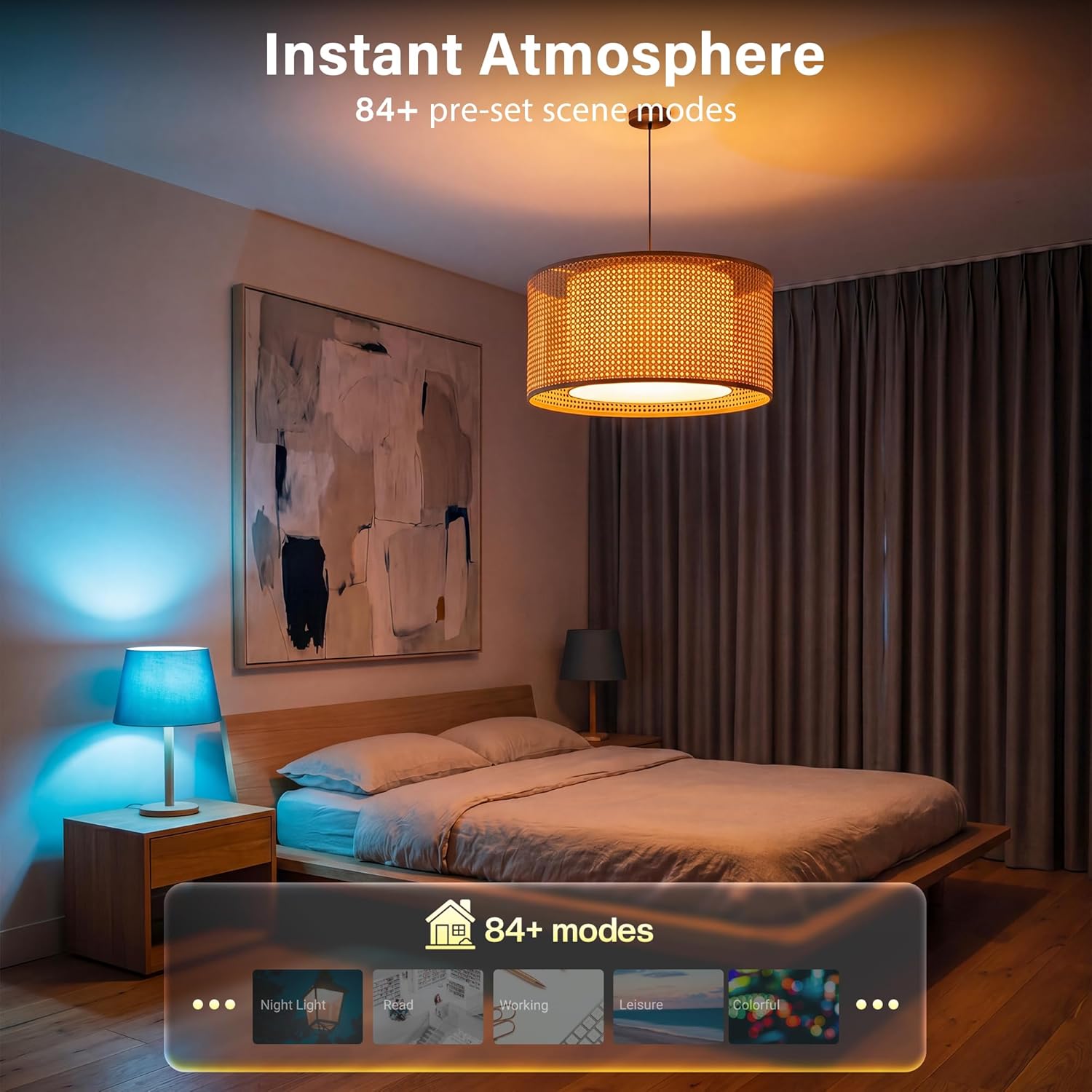
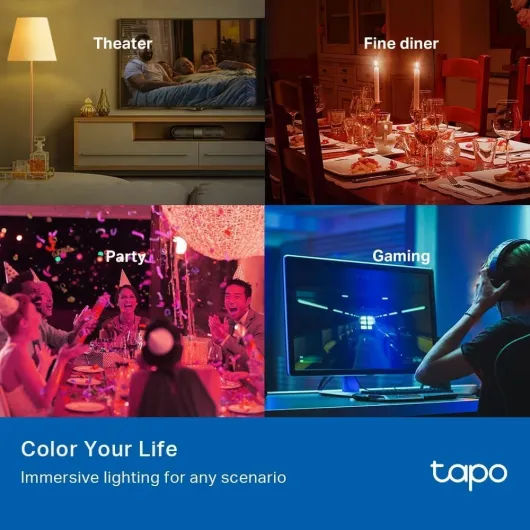
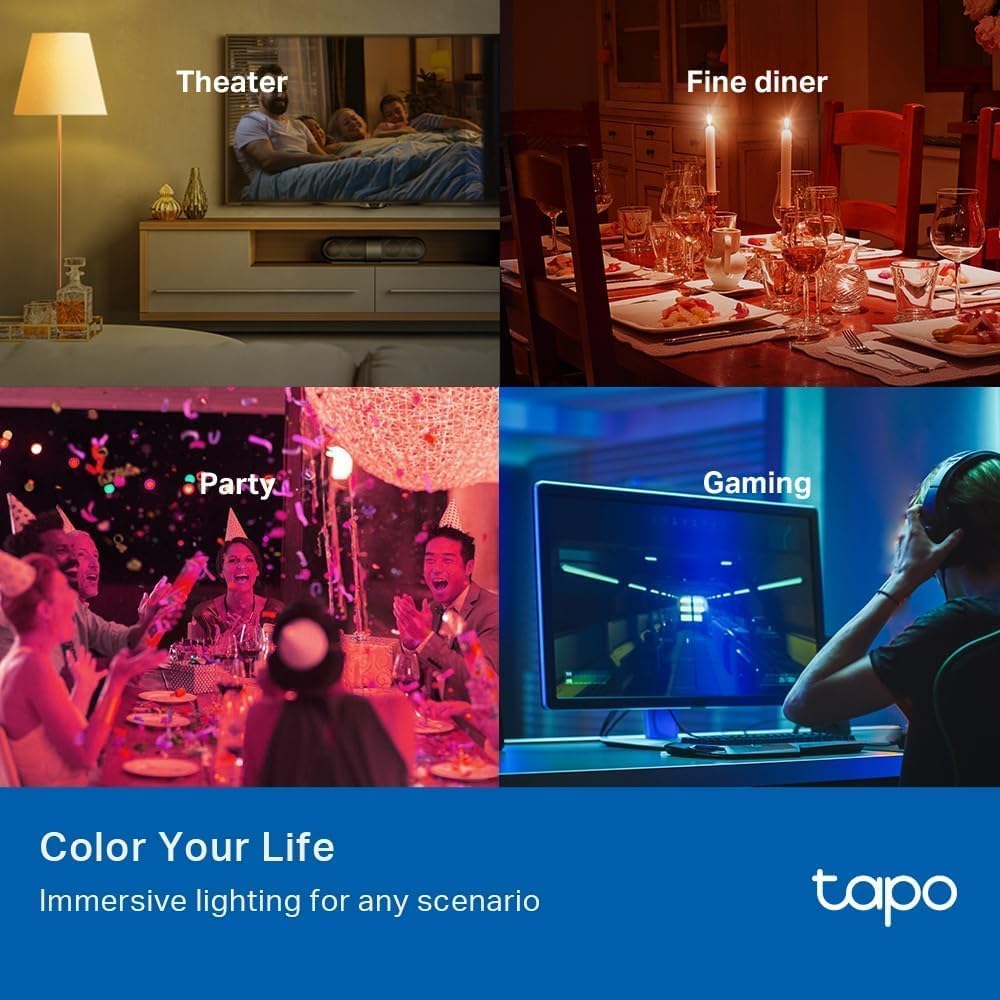
Living rooms and media spaces are where color changing smart light products shine. A single color bulb behind the TV can create bias lighting, while multiple color bulbs around the room can sync with music or movies through the manufacturer app. When these bulbs also work with Google Assistant, Amazon Alexa, and sometimes Apple Home, you can trigger scenes like “movie night” or “game time” with a single phrase.
Bathrooms and hallways often do not need full color changing capabilities, so simple white LED bulbs are usually the best smart choice. Focus on instant on performance, good color rendering, and compatibility with existing switches or motion sensors that work with Google Assistant. Because these spaces use lights frequently but briefly, energy efficient LED bulb designs pay off over time even if the initial price is slightly higher.
Outdoor areas introduce extra constraints, because not every smart bulb is rated for damp or wet locations. Look for products that clearly state outdoor compatibility, support for Google Assistant and Amazon Alexa, and a robust wireless connection that can reach your router or hub required for Zigbee or Matter. In many cases, smart light fixtures or smart plugs controlling traditional light bulbs provide a more reliable solution than a single exposed bulb.
When you compare price across all these scenarios, remember that the cheapest product is not always the best smart investment. A slightly more expensive LED bulb with better reliability, stronger integration with Google Assistant and Amazon Alexa, and a mature app can save you hours of frustration. Over the lifespan of a quality light bulb, which can exceed 15 000 hours, that extra cost often feels minor compared with the comfort of lights that simply work with every voice command.
Practical setup tips for Google Assistant smart lighting
Once you have chosen the best smart lights compatible with Google Assistant, careful setup ensures they perform as promised. Start by resetting each smart bulb according to the manufacturer instructions, then add it to the brand app before linking it to Google Assistant or Amazon Alexa. This sequence avoids many pairing issues and ensures the app can manage firmware updates for every LED bulb.
In the Google Home app, assign each light bulb to a specific room and use clear names like “desk light” or “kitchen ceiling”. Doing this makes voice commands such as “Hey Google, turn off the bedroom lights” or “dim the desk light to 20 percent” more reliable, especially when multiple light bulbs share similar names. If you also use Amazon Echo devices, mirror the same room structure so that Amazon Alexa and Google Assistant both work with your smart bulbs in a consistent way.
For Philips Hue or other systems with a hub required, connect the bridge to your router with a cable before adding bulbs. Once the Hue app sees each smart light, link the Hue account to Google Assistant and Amazon Alexa so that both platforms can work with the same scenes and routines. This approach keeps the Zigbee network managed by the hub, while Google Assistant and Amazon Alexa handle voice control and automation logic.
Routines are where the best smart lights compatible with Google Assistant become genuinely helpful rather than just fun. You can create a wake up routine that gradually increases lumens and shifts color temperature from warm to cool, or a goodnight routine that turns off all light bulbs and locks doors. When these routines also work with Amazon Alexa or Apple Home, your smart home feels coherent no matter which assistant you speak to.
Pay attention to how your Wi‑Fi or Zigbee network handles many smart bulbs, especially if you add color changing strips, lamps, and wall lights. If commands from Google Assistant or Amazon Alexa start lagging, consider upgrading your router, adding a mesh system, or moving the hub required for Zigbee closer to dense clusters of light bulbs. Stable connectivity is the foundation that lets every smart light respond instantly to your voice or app.
Finally, keep firmware updated for each product, because manufacturers often improve compatibility with Google Assistant, Amazon Alexa, and Matter smart standards over time. Check the app monthly for updates, especially after major Android or Apple iOS releases that might affect connectivity. A few minutes spent on maintenance helps your best smart lights compatible with Google Assistant stay secure, responsive, and ready for new features as platforms evolve.
Key figures on smart lighting and voice assistants
- Market analysts report that smart lighting accounts for more than 10 percent of total residential lighting sales in several mature markets, showing how quickly smart bulbs and light bulbs are replacing traditional lamps. Recent estimates from firms such as Statista and Omdia place global smart lighting revenue in the multi‑billion dollar range, with Statista’s 2023 smart lighting segment data and Omdia’s connected home reports both projecting continued double digit growth.
- Surveys from major research firms indicate that over half of smart light users control their bulbs primarily through voice assistants such as Google Assistant and Amazon Alexa, rather than through the manufacturer app. Studies by Parks Associates and similar organizations consistently show voice as a leading control method, with Parks Associates’ smart home consumer surveys regularly reporting voice usage above the 50 percent threshold.
- Energy studies suggest that replacing halogen or incandescent lamps with LED bulbs can reduce lighting electricity consumption by up to 75 percent, especially when combined with dimmable controls and occupancy routines. This figure aligns with guidance from agencies like the U.S. Department of Energy and the European Commission, whose efficiency fact sheets cite savings in the 70 to 80 percent range when moving from incandescent to LED technology.
- Consumer reports have found that premium ecosystems like Philips Hue achieve customer satisfaction scores above 80 percent, largely due to reliability and strong integration with platforms that work with Google Assistant and Amazon Alexa. Independent product testing labs and review sites regularly highlight Hue as a benchmark for stability, with several annual smart home satisfaction surveys ranking it near the top of the lighting category.
- Industry data shows that Matter compatible devices are growing rapidly as a share of new smart home products, signaling that future smart bulbs will more often be compatible with multiple ecosystems by default. Trade groups such as the Connectivity Standards Alliance and analyst firms tracking Matter adoption expect this trend to accelerate, with CSA membership reports and Matter certification statistics both documenting a steep year over year increase in approved devices.
![NEW White and Colour Ambiance Smart Light Bulb Starter Kit, 75W - 1100 Lumen [E27 Edison Screw] 2 Bulbs + Smart Button - With Bluetooth - Works with Alexa, Google Assistant and Apple Homekit E27 2 Pack Starter Kit + Button](https://www.smart-light-guru.com/storage/1015385/conversions/71yJIPbE0LL._AC_SL1500_-medium.webp)

![TP-Link Smart Bulb, Smart WiFi LED Light, E27, 8.3W, Works with Amazon Alexa(Echo and Echo Dot) and Google Home, Colour-Changeable, No Hub Required L530E [Energy Class F]](https://www.smart-light-guru.com/storage/939170/conversions/61umAkCvEzL._AC_SL1000_-medium.webp)
![NEW White and Colour Ambiance Smart Light Bulb Starter Kit, 75W - 1100 Lumen [E27 Edison Screw] 2 Bulbs + Smart Button - With Bluetooth - Works with Alexa, Google Assistant and Apple Homekit E27 2 Pack Starter Kit + Button](https://www.smart-light-guru.com/storage/1015385/71yJIPbE0LL._AC_SL1500_.jpg)
![TP-Link Smart Bulb, Smart WiFi LED Light, E27, 8.3W, Works with Amazon Alexa(Echo and Echo Dot) and Google Home, Colour-Changeable, No Hub Required L530E [Energy Class F]](https://www.smart-light-guru.com/storage/939170/61umAkCvEzL._AC_SL1000_.jpg)