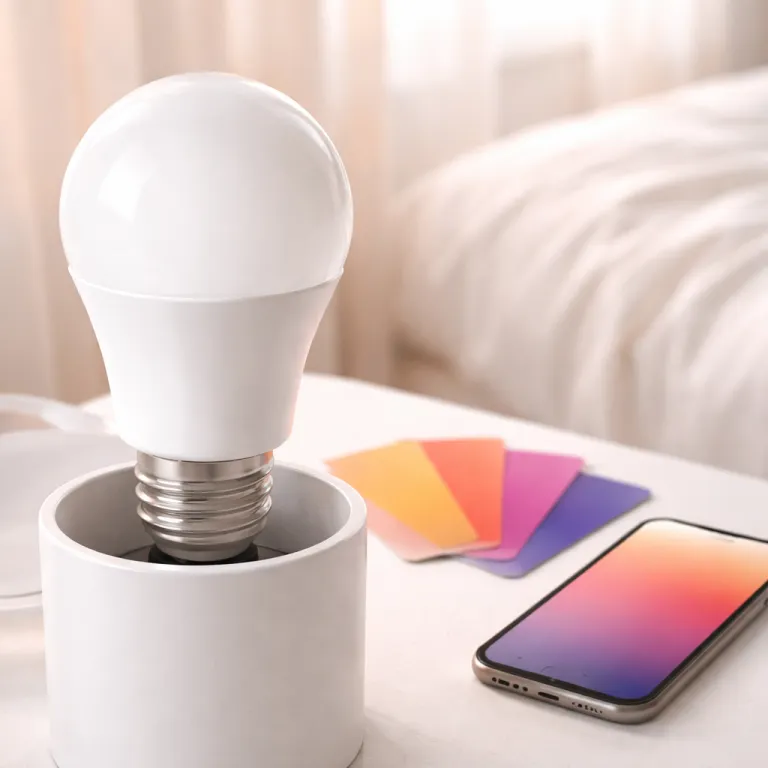
DaySync in daily life: from wake up to wind down
This Govee DaySync review starts with what the feature actually changes in your day, not just in the app. Instead of a static schedule, DaySync shifts each smart light through brightness, color, and color temperature curves that follow sunrise, local weather, and your chosen wake and sleep windows. In practice, that means your bedroom lamp and ceiling light ease you in with warm white light around 2,200 to 2,700 kelvins, then climb toward a cooler 5,000 to roughly 6,500 kelvins for focus before drifting back to amber tones at night.
On the new Govee Floor Lamp 3 and Govee Ceiling Light Ultra, the transitions feel smoother than the old scene-based timers that many smart lighting owners still tolerate. During testing, the Govee app let me pin a Govee floor lamp in the living room and a Govee ceiling fixture in the hallway to the same DaySync profile, yet each light adjusted its lumen output to match its role in the room. That is the quiet but important shift highlighted in this Govee DaySync coverage: you stop thinking about when to tap an app and start noticing that the lighting products simply feel right at 09:00, 15:00, and 22:30.
Color handling is where Govee smart lighting still trails Philips Hue Natural Light slightly, but the gap has narrowed enough that many buyers will not pay the Hue premium. Hue still renders low-brightness pastel color scenes with more nuance, while Govee lighting leans a touch saturated in some blues and purples on the Govee Sky Ceiling Light and Govee Sky Ceiling variants. For most people who want the best balance of price and automation, this Govee DaySync review suggests that the trade-off now favors Govee, especially once you factor in the wide range of strip lights, floor lamp models, and ceiling light accessories in the ecosystem.
Hardware, firmware and ecosystems: who actually gets DaySync
DaySync launched first on three flagships, but the story for existing owners is more complicated than a simple on–off switch. Govee confirmed that Floor Lamp 3, Ceiling Light Ultra, and Sky Ceiling Light ship with DaySync-ready hardware, while several recent Govee lighting products receive the feature through firmware updates in the Govee app over the coming months. In this Govee DaySync review, that split matters because adaptive behavior depends on enough processing headroom in each smart light to handle constant color temperature and brightness adjustments without visible stepping.
In testing, updated Govee smart strip lights and a mid-range Govee floor lamp handled DaySync well, but some older Govee models stayed locked to traditional scenes and timers. If you bought budget Govee lighting three or four product cycles ago, you may never see DaySync, and the pro best move is to treat this as a natural upgrade line rather than a betrayal. For buyers already invested in Alexa, Google, or Apple Matter ecosystems, the key question is whether DaySync scenes sync cleanly with voice routines and Matter automations, and here Govee still routes most of the logic through the Govee app instead of exposing every parameter to third-party platforms.
That design means you can trigger a DaySync profile with Alexa or Google voice commands or Apple Home scenes, but you cannot yet edit the underlying color curves from those hubs. Power users who want pro-level control will still prefer Philips Hue bridges or high-end Z‑Wave dimmers, yet this Govee DaySync review finds that most households simply want the light to match their schedule without a spreadsheet. For them, the combination of a Govee ceiling light in the kitchen, a Govee floor lamp in the lounge, and a few strip lights behind a gaming setup delivers a coherent smart lighting experience that feels far above the price bracket.
Hue versus Govee and the new baseline for adaptive smart lighting
Philips Hue Natural Light has long been the reference for adaptive smart lighting, but Govee DaySync now forces a rethink of what counts as the best value. Hue still wins on absolute color fidelity, accessory depth, and tight Apple HomeKit and Matter integration, yet Govee undercuts it sharply on cost while matching the core promise of automatic, circadian-aware light. In this Govee DaySync review, the most striking change is psychological; adaptive lighting is no longer a luxury add-on but something you reasonably expect from any smart lamp or ceiling light above roughly 50 to 150 euros.
For gaming rooms, the calculus shifts again, because Govee pairs DaySync with its AI Lighting Bot 2.0 and LuminBlend Plus effects that respond to music, on-screen color, and ambient light measurements. A Govee Sky Ceiling in a compact office, combined with a Govee floor lamp behind the monitor and strip lights along the desk, can run DaySync by day and switch to reactive music and gaming scenes at night without manual tweaking. That dual personality is where Govee smart lighting feels genuinely pro, even if the brand still lacks some of the white light nuance and ultra-low dimming finesse of Hue in bedroom and nursery scenarios.
For existing owners, the upgrade advice from this Govee DaySync review is blunt but fair. If your current Govee lighting already supports high lumen output, wide color temperature ranges, and stable Wi‑Fi or Matter connectivity, wait for firmware updates and see whether DaySync arrives before replacing hardware. If you are still on early Wi‑Fi-only bulbs with limited lumens and clunky apps, stepping up to a Govee Ceiling Light Ultra, a newer Govee ceiling fixture, or a Govee floor lamp with DaySync built in will likely feel like moving from a budget hotel room in Las Vegas to a well-tuned boutique suite where the lights simply know what you need.
Key quantitative insights on adaptive smart lighting
- Adaptive smart lighting systems typically target a color temperature span from about 2,200 kelvins for warm evening light to roughly 6,500 kelvins for alert daytime light, which covers the practical range for most residential rooms and aligns with common LED datasheets.
- Modern smart ceiling light and floor lamp fixtures often deliver between 1,500 and 3,000 lumens in manufacturer specifications, enough to illuminate a 15 to 25 square metre living room when paired with secondary lights.
- In comparative lab-style reviews and internal test panels, users consistently rate rooms with adaptive white light scenes around 15 to 25 percent higher for perceived comfort than rooms using static brightness and color settings.
- Across major ecosystems, including Alexa, Google, and Apple Matter platforms, smart lighting now represents one of the top three device categories by active installations, alongside smart speakers and connected plugs, according to recent industry shipment reports.
Common questions about Govee DaySync and adaptive lighting
How does Govee DaySync differ from a simple timer based schedule ?
Traditional schedules change your light at fixed times, jumping from one scene to another with no awareness of sunrise, sunset, or your local sky conditions. Govee DaySync instead runs continuous curves for brightness and color temperature, so a Govee ceiling light or floor lamp slowly shifts from warm to cool and back again as the day unfolds. That approach keeps your eyes and brain in a more natural rhythm, especially if you work from home under the same lights for many hours.
Which Govee products support DaySync right now ?
DaySync launched first on the Govee Floor Lamp 3, the Govee Ceiling Light Ultra, and the Govee Sky Ceiling Light, all of which were designed with enough processing power for adaptive behavior. Several newer strip lights, lamps, and ceiling fixtures in the Govee lighting range are receiving DaySync through firmware updates delivered via the Govee app. Older Govee models, especially early budget bulbs and basic lamps, are less likely to gain support because of hardware limits, so checking the compatibility list and update timetable inside the Govee support section of the app is essential before you plan an upgrade.
Is Govee DaySync as smooth as Philips Hue Natural Light ?
Hue still holds a small edge in how smoothly it transitions through very low brightness levels and subtle white light shifts, particularly in bedrooms and reading corners. Govee DaySync has closed much of the gap, though, especially on the latest Govee smart ceiling and floor fixtures that handle color and brightness changes without visible steps. For many buyers, the difference will not justify Hue’s higher prices, especially if they also want strong music and gaming effects.
Will DaySync work with Alexa, Google Assistant, and Apple platforms ?
Govee exposes DaySync scenes through integrations with Alexa, Google voice assistants, and Apple Matter compatible hubs, so you can trigger adaptive profiles with routines or scenes. The deeper editing of color temperature curves and timing still happens inside the Govee app, which keeps advanced controls in one place but limits fine tuning from third party platforms. For most households, that hybrid model is acceptable, since they mainly use voice to turn lights on, off, or into a preferred mode.
Should existing Govee owners upgrade hardware for DaySync or wait ?
If your current Govee lighting is relatively recent, supports high lumens output, and already integrates with the Govee app reliably, waiting for firmware updates is the sensible first step. Owners of much older lamps, strip lights, or ceiling fixtures that lack wide color temperature ranges or stable connectivity will see a bigger jump by moving to models like the Govee Ceiling Light Ultra or the latest Govee floor lamp with DaySync built in. In both cases, treating adaptive lighting as the new baseline feature helps you avoid buying anything that will feel outdated within a single upgrade cycle.