

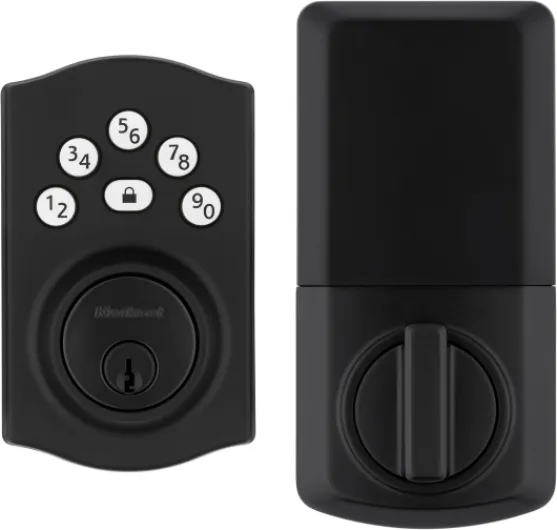


Understanding z wave technology in smart door locks
How Z Wave Technology Powers Smart Door Locks
Smart door locks using Z Wave technology have become a popular choice for homeowners seeking better security and convenience. Z Wave is a wireless communication protocol designed specifically for smart home devices, including locks, deadbolts, and sensors. Unlike Wi-Fi or Bluetooth, Z Wave operates on a different frequency, which helps reduce interference and ensures a more reliable connection between your smart lock and the rest of your home system.
One of the key advantages of Z Wave is its long range and ability to create a mesh network. This means each Z Wave device, like a smart deadbolt or door lock, can relay signals to other devices, extending coverage throughout your home. This is especially useful for larger homes or when your front door is far from your smart hub. Brands like Schlage Connect and Yale Assure offer Z Wave locks that are compatible with popular hubs such as SmartThings, Wink, and Ring Alarm, making it easier to integrate with your existing smart home system.
- Hub required: Z Wave locks need a compatible hub to connect to your smart home system. This hub acts as the central point for managing your locks, user codes, and automations.
- Battery life: Z Wave locks are battery-powered, and many models are designed for long battery life. Customer reviews on Amazon often highlight how easy it is to replace batteries and how long they last between changes.
- Keyless entry: Many Z Wave smart locks offer keyless entry, allowing you to unlock your door with a code, smartphone app, or even voice commands through your smart hub.
When choosing a Z Wave lock, consider the range of your hub, the type of deadbolt door you have, and the features you need, such as user codes or integration with other smart devices. For those interested in how sensor switch technology can further enhance your smart home, check out this guide on sensor switch technology.

Key benefits of z wave door locks for home security
Why Z Wave Door Locks Stand Out for Home Security
When it comes to securing your front door, Z Wave door locks offer a blend of technology and reliability that traditional deadbolts simply can’t match. These smart locks use Z Wave, a wireless protocol designed for home automation, to connect with your smart home hub and other devices. This means you can control and monitor your door lock remotely, adding a new layer of convenience and security to your system.
- Keyless entry: Forget fumbling for keys. With a Z Wave smart lock, you can unlock your door using a code, your smartphone, or even voice commands, depending on your hub and setup.
- User codes: Many Z Wave locks let you create multiple user codes for family, guests, or service providers. You can easily add or delete codes, and track who enters and exits your home.
- Remote access: Whether you’re at work or on vacation, you can check the status of your deadbolt door lock and lock or unlock it from anywhere with internet access, as long as your hub is connected.
- Integration with security systems: Z Wave locks work with popular smart home systems like Ring Alarm, SmartThings, and Wink. This lets you automate actions, such as locking all doors when you arm your security system.
- Long battery life: These smart deadbolts are designed for efficiency, often running on batteries for months or even a year. Some models, like Schlage Connect or Yale Assure, send alerts when batteries are low, so you’re never caught off guard.
- Enhanced range: Z Wave’s long range ensures your lock stays connected to your hub, even in larger homes. This is especially useful if your front door is far from your main system.
Customer reviews on Amazon and other platforms often highlight how easy these locks are to install and connect. Brands like Schlage, Yale, and Kwikset consistently receive high star ratings for their Z Wave products, with users praising the easy install process and reliable performance.
For those interested in expanding their smart home security, integrating Z Wave locks with motion detectors can further enhance protection. Learn more about enhancing home automation with Z Wave motion detectors and see how these devices work together to keep your home safe.
Choosing the right z wave door lock for your needs
Factors to Consider Before Buying
When choosing a Z-Wave smart door lock for your home, it’s important to weigh several factors to ensure you get the right fit for your security needs and smart home system. Not all locks are created equal, and features can vary widely between brands and models.
- Compatibility with Your Hub: Make sure the lock works with your existing Z-Wave hub, such as SmartThings, Wink, or Ring Alarm. Some locks require a hub for full functionality, so check if a hub is required before purchasing.
- Type of Lock: Decide between a smart deadbolt or a lever lock, depending on your door and security needs. Deadbolt door locks are popular for front doors and offer robust security.
- Keyless Entry Features: Look for features like user codes, keypads, or even fingerprint access. Keyless entry makes it easy to unlock the door without a physical key, and you can assign unique codes to family or guests.
- Battery Life: Check customer reviews for real-world battery life. Long battery life is crucial, as you don’t want your lock to lose power unexpectedly. Some products offer low-battery alerts for added peace of mind.
- Range and Connectivity: Z-Wave long range is important if your hub is far from the door. Make sure the lock can reliably connect to your system, especially in larger homes.
- Ease of Installation: Many Z-Wave locks advertise easy install processes, but actual experiences can vary. Look for locks with clear instructions and positive feedback on installation. Some brands, like Schlage Connect and Yale Assure, are known for straightforward setup.
- Integration with Other Smart Devices: Consider how the lock will work with your existing smart home system. Integration with Amazon Alexa or Google Assistant can add convenience, letting you lock or unlock the door with voice commands.
- Security Ratings: Check for security certifications and ratings. A high-quality smart deadbolt should meet industry standards for durability and resistance to tampering.
Comparing Popular Brands and Models
| Brand / Model | Key Features | Hub Required | Battery Life | Customer Reviews |
|---|---|---|---|---|
| Schlage Connect | Smart deadbolt, keyless entry, long range | Yes | 6-12 months | 4.5 stars on Amazon |
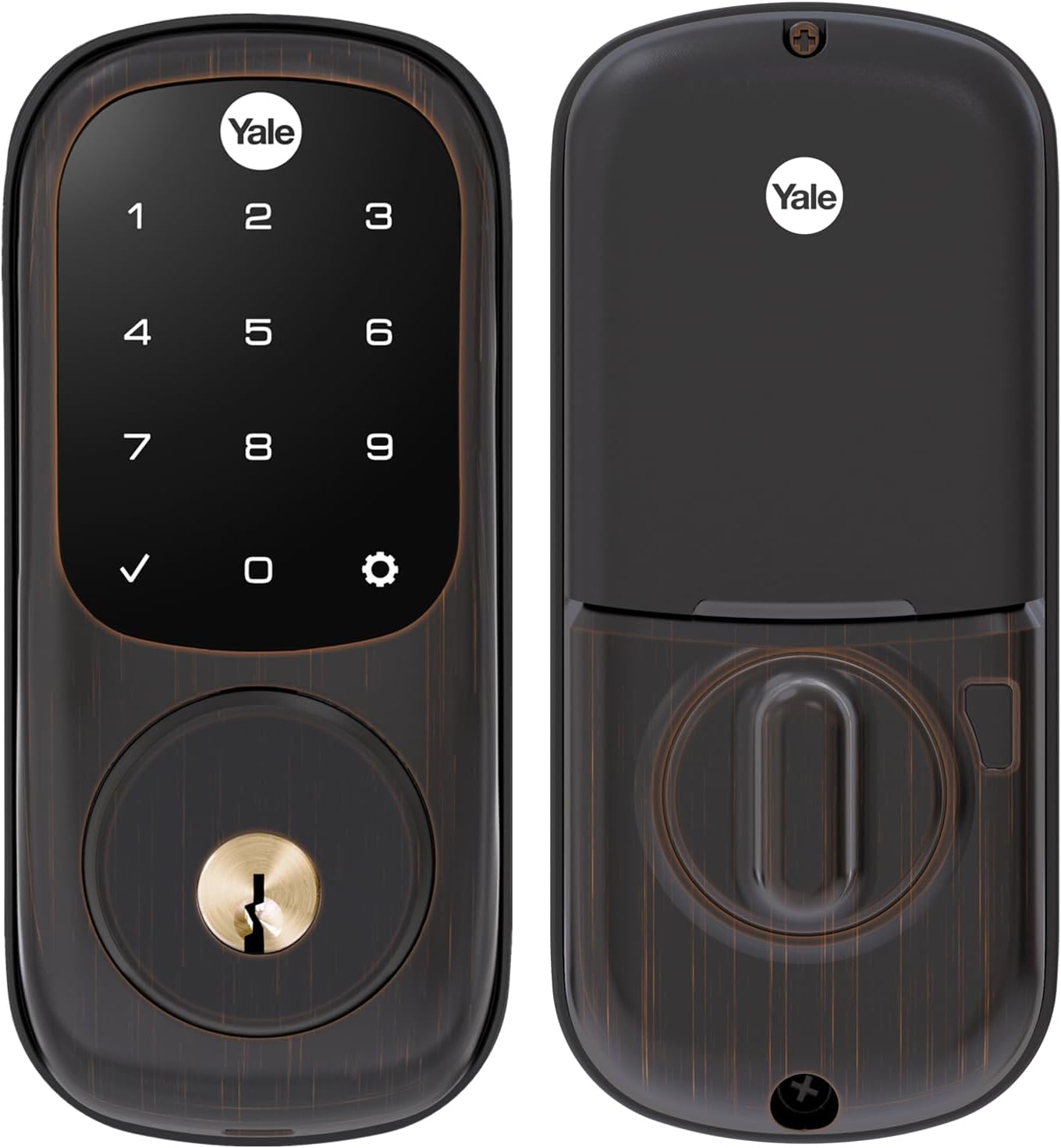
| Yale Assure | Touchscreen, user codes, easy install | Yes | Up to 1 year | 4.3 stars on Amazon |
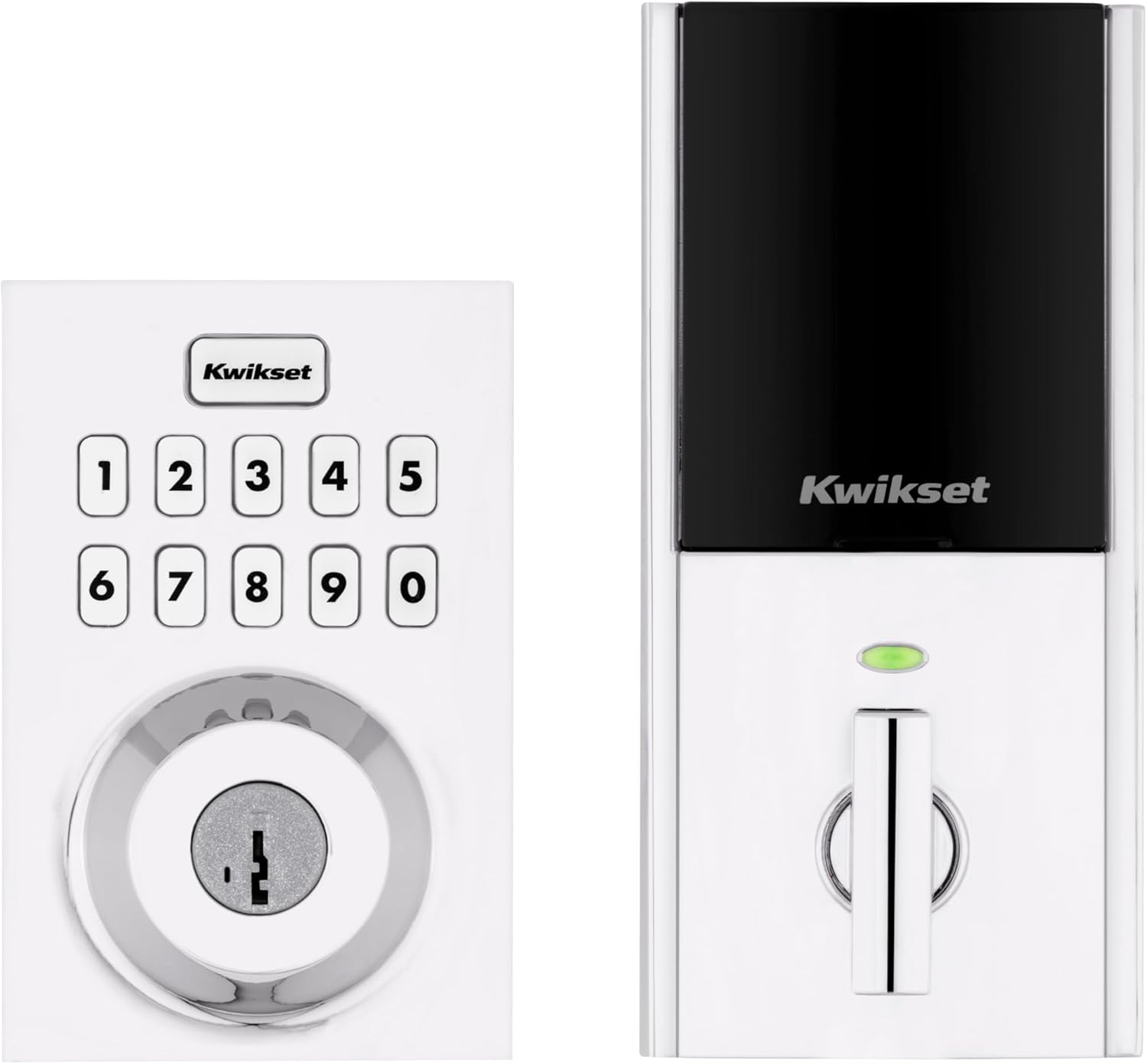
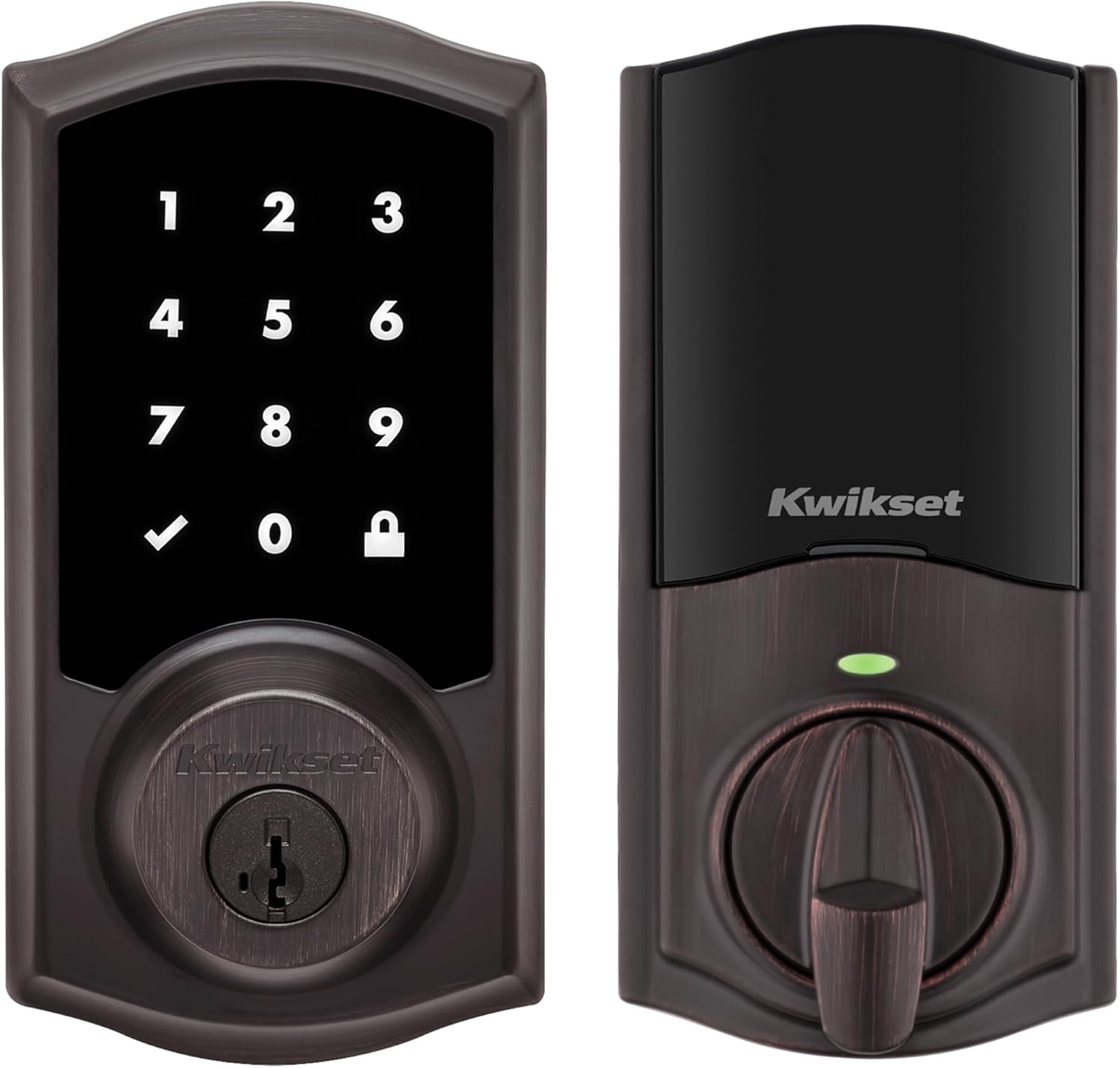
| Kwikset SmartCode | Keypad, smart lock, auto-lock | Yes | 6-12 months | 4.2 stars on Amazon |
When comparing products, pay attention to customer reviews for insights on reliability, battery performance, and ease of use. Brands like Schlage and Yale are often praised for their robust security and user-friendly features.
For more ideas on how to integrate smart technology into your home, check out this guide on transforming your smart lighting experience.
Installation tips for z wave door locks
Preparing for a Smooth Installation
Before you install a Z-Wave smart deadbolt or door lock, check that your door and frame are properly aligned. A misaligned door can cause issues with the lock’s performance and battery life. Make sure you have the right tools ready, such as a screwdriver and measuring tape. Most Z-Wave locks, like the Schlage Connect or Yale Assure, are designed for easy install on standard doors. Always read the product manual and customer reviews on Amazon or the brand’s website for specific tips related to your chosen model.Step-by-Step: Installing Your Z-Wave Door Lock
- Remove your existing deadbolt or lock from the front door.
- Position the new Z-Wave smart deadbolt or lock in the same place, ensuring it fits snugly.
- Secure the lock using the provided screws. Avoid overtightening, as this can affect the lock’s operation.
- Insert fresh batteries as recommended by the product. Good battery life is key for reliable security and keyless entry.
- Test the manual locking and unlocking function before moving to smart features.
Connecting to Your Smart Home System
Most Z-Wave locks require a compatible hub, such as Ring Alarm, SmartThings, or Wink, to connect to your smart home system. Place the hub within range of the lock for a stable wave long connection. Follow the app instructions to add the lock to your system. Some brands, like Yale and Schlage, offer step-by-step guides for pairing. If you have trouble connecting, check the hub’s compatibility and ensure your lock is within the recommended range.Setting Up User Codes and Keyless Entry
Once installed, program user codes for family or trusted visitors. This feature allows you to unlock the door without a physical key, enhancing both convenience and security. Refer to the product manual for guidance on adding, editing, or deleting user codes. Many smart locks let you manage codes remotely through your hub’s app.Tips for Long-Term Performance
- Check batteries regularly and replace them as needed to avoid lockouts.
- Keep the lock’s firmware updated via your smart home system for improved security.
- Read customer reviews to learn about long-term reliability and any brand-specific quirks.
- If you experience issues, consult the troubleshooting section in your product manual or reach out to the manufacturer’s support.
Proper installation is essential for the best performance from your Z-Wave lock. Taking time to follow these steps will help ensure your smart deadbolt provides secure, keyless entry and integrates smoothly with your home automation system.
Integrating z wave door locks with your smart home system
Connecting Your Z Wave Door Lock to a Smart Hub
To get the most out of your Z Wave door lock, you’ll need to connect it to a compatible smart hub. Many popular systems, like SmartThings, Wink, and Ring Alarm, support Z Wave technology. This connection is essential for remote access, automation, and integrating your lock with other smart devices in your home.
- Hub required: Make sure your chosen smart lock, such as a Schlage Connect or Yale Assure, is compatible with your hub. Check the product details and customer reviews on platforms like Amazon to confirm compatibility.
- Easy install: Most Z Wave smart deadbolts are designed for easy installation. Once the lock is physically installed on your front door, follow the hub’s instructions to add the device. This usually involves putting the hub in pairing mode and pressing a button on the lock.
- Long range: Z Wave technology offers long range connectivity, but the actual range can depend on your home’s layout and the number of Z Wave devices you have. Each device acts as a repeater, extending the network and improving reliability.
Automating and Managing Access
Once your Z Wave lock is connected, you can take advantage of smart features like keyless entry, user codes, and remote unlocking. Set up unique codes for family members or guests, and manage them through your hub’s app. This is especially useful for monitoring who unlocks the door and when, adding an extra layer of security.
- Smart system integration: Pair your lock with other smart devices, such as lights or security cameras, for enhanced automation. For example, you can set your entryway lights to turn on automatically when you unlock the door.
- Battery life: Keep an eye on battery levels through your hub’s app. Most smart locks will alert you when batteries are low, so you’re never locked out unexpectedly.
Troubleshooting Connection Issues
If you experience problems with your Z Wave lock, like limited range or difficulty pairing, try moving your hub closer to the door or adding more Z Wave devices to strengthen the network. Always check for firmware updates for both your hub and lock, as these can resolve many common issues.
Integrating a Z Wave door lock with your smart home system not only boosts security but also adds convenience and control. Whether you’re using a Yale Assure, Schlage Connect, or another trusted brand, the right setup ensures your smart lock works seamlessly with your entire home automation system.
Troubleshooting common issues with z wave door locks
Common Problems and Practical Fixes
Smart door locks using Z-Wave technology are popular for their security and convenience, but users sometimes encounter issues. Here are some of the most frequent problems and how to address them:- Connectivity Issues: If your Z-Wave lock is not responding, check the hub connection first. Make sure your hub is powered on and within range of the lock. Z-Wave long range models can help, but physical barriers or distance can still cause problems. Try moving your hub closer to the door lock or adding a Z-Wave range extender.
- Battery Life Concerns: Many smart locks, including popular brands like Schlage Connect and Yale Assure, rely on batteries. If your lock is slow or unresponsive, replace the batteries with high-quality ones. Battery life can vary based on usage and the type of deadbolt. Regularly check battery levels in your smart home system app.
- Keyless Entry Not Working: If user codes are not accepted, double-check that the codes are entered correctly and that the lock is not in vacation mode. Some locks allow you to reset or reprogram user codes easily through the app or directly on the device.
- Integration Problems: When your lock won’t connect to your smart hub (like SmartThings, Wink, or Ring Alarm), confirm that the lock is compatible with your system. Some products require a specific hub or firmware version. Always follow the manufacturer’s instructions for pairing and check for software updates.
- Physical Installation Issues: If the deadbolt door doesn’t lock or unlock smoothly, make sure the lock and strike plate are aligned. A misaligned deadbolt can drain batteries quickly and reduce security. Many customer reviews on Amazon highlight the importance of an easy install and proper alignment for long-term reliability.
When to Seek Support
If you’ve tried these steps and your Z-Wave smart lock still isn’t working, consult the product manual or the brand’s support website. Many brands offer troubleshooting guides and customer reviews that can provide additional tips. For persistent issues, contacting the manufacturer’s support team is recommended to maintain the security of your front door.Tips for Reliable Performance
- Use high-quality batteries for better battery life.
- Keep your hub firmware and lock software updated.
- Test your lock’s range and connectivity after installation.
- Regularly review user codes and access logs for added security.