Summary
Editor's rating
Is the HS220 worth the money compared to other options?
Looks like a normal switch, behaves like a smart one
Build quality and reliability over time
Everyday performance: dimming, Wi‑Fi, and voice control
What this thing actually does (and what it doesn’t)
Does it actually make your lights easier to live with?
Pros
- Good price for a Wi‑Fi smart dimmer with app and voice control
- Works reliably once installed, with solid Kasa app support and scheduling
- Keeps full manual wall control so non‑techy people can use it easily
Cons
- Requires a neutral wire and only works on single-pole circuits
- Setup can be finicky on some units, taking multiple attempts
- Wi‑Fi and cloud dependent, no native HomeKit or advanced local control
Specifications
View full product page →| Brand | Kasa Smart |
| Is Discontinued By Manufacturer | No |
| Product Dimensions | 1.77 x 3.35 x 5.04 inches; 3.84 ounces |
| Item model number | HS220 |
| Date First Available | March 10, 2018 |
| Operation Mode | Automatically,Off,Smart Switch |
| Current Rating | 2.5 Amps |
| Operating Voltage | 120 Volts (AC) |
Smart dimmer that does the basics without drama (mostly)
I’ve been using the Kasa HS220 dimmer switch for a little while now, and I’ll be blunt: this is not some fancy luxury gadget, it’s a straightforward smart dimmer that does what it says as long as your wiring situation is compatible. I put one in my living room to control a set of LED recessed lights, and then added another in a hallway to see how it behaved day to day. My house already had neutral wires in the boxes, so installation was doable without calling an electrician.
Right away, the main thing I noticed is that it behaves like a normal wall dimmer first, and a smart device second. That’s a good thing. If Wi‑Fi is down or the app is acting up, you can still walk up, press the paddle, and dim with the side bar. No one in the house had to be “trained” on how to use it, which is important if you live with people who don’t care about smart home stuff.
I use Kasa plugs already, so I kind of knew what to expect from the app. Setup was mostly painless on my 2.4 GHz network, but I’ll be honest: one of the switches took a couple of tries before it finally showed up in the app. Nothing crazy, but not completely smooth either. Once connected though, the switches stayed online and synced fine with Google Assistant and Alexa in my tests.
Overall, my first impression is that the HS220 is a pretty solid, budget-friendly dimmer if you’re already in the Kasa ecosystem or just want basic app and voice control. It’s not perfect, and there are a few quirks I’ll get into, but for the price, it gets the job done better than I expected for a no‑hub Wi‑Fi switch.
Is the HS220 worth the money compared to other options?
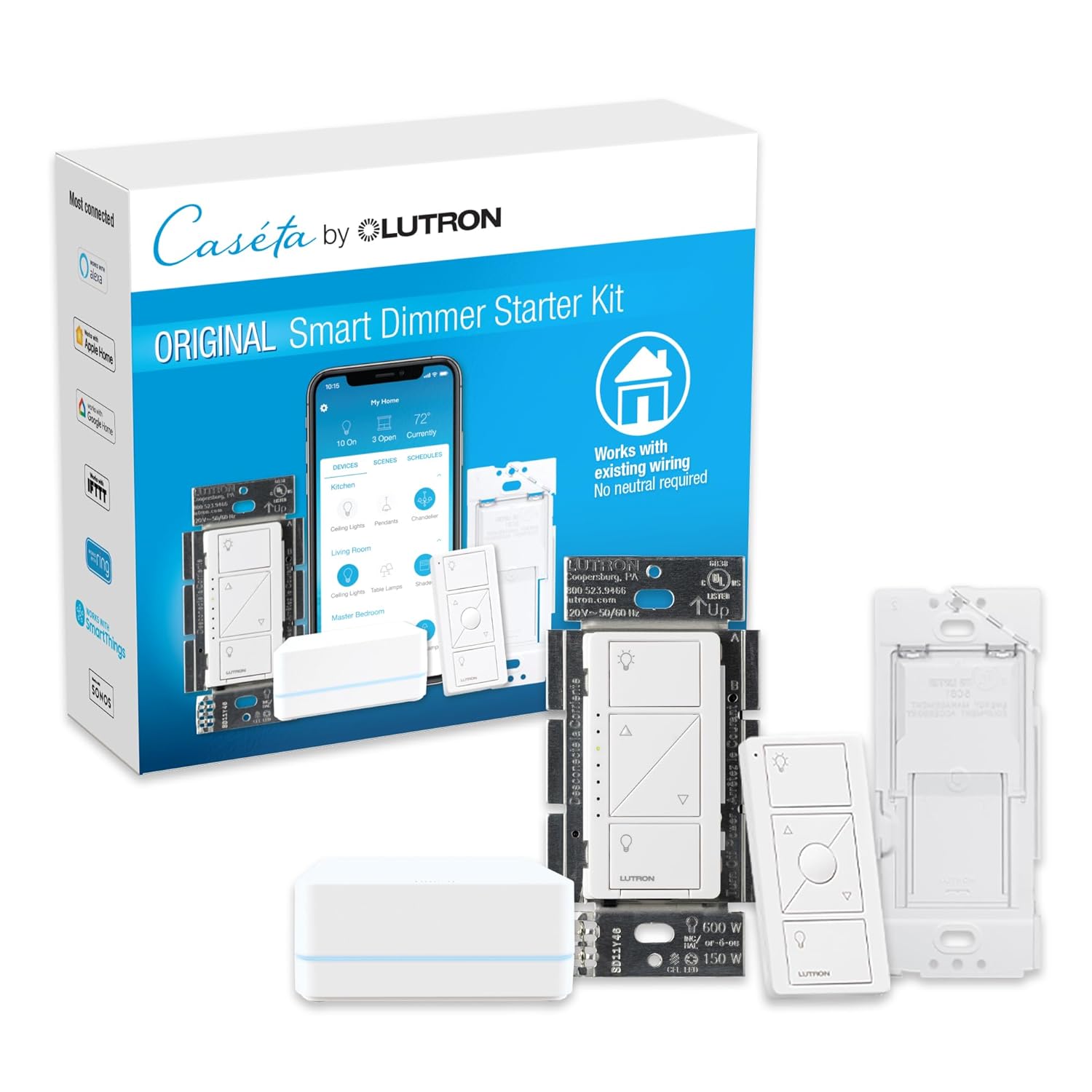
Price-wise, the HS220 usually comes in noticeably cheaper than brands like Lutron Caseta, especially if you catch it on sale or in a multi-pack. That’s really its biggest strength: good value for money if you want smart dimming without buying a separate hub. You’re paying for basic Wi‑Fi connectivity, app control, and voice support, not a whole ecosystem of pro-grade features.
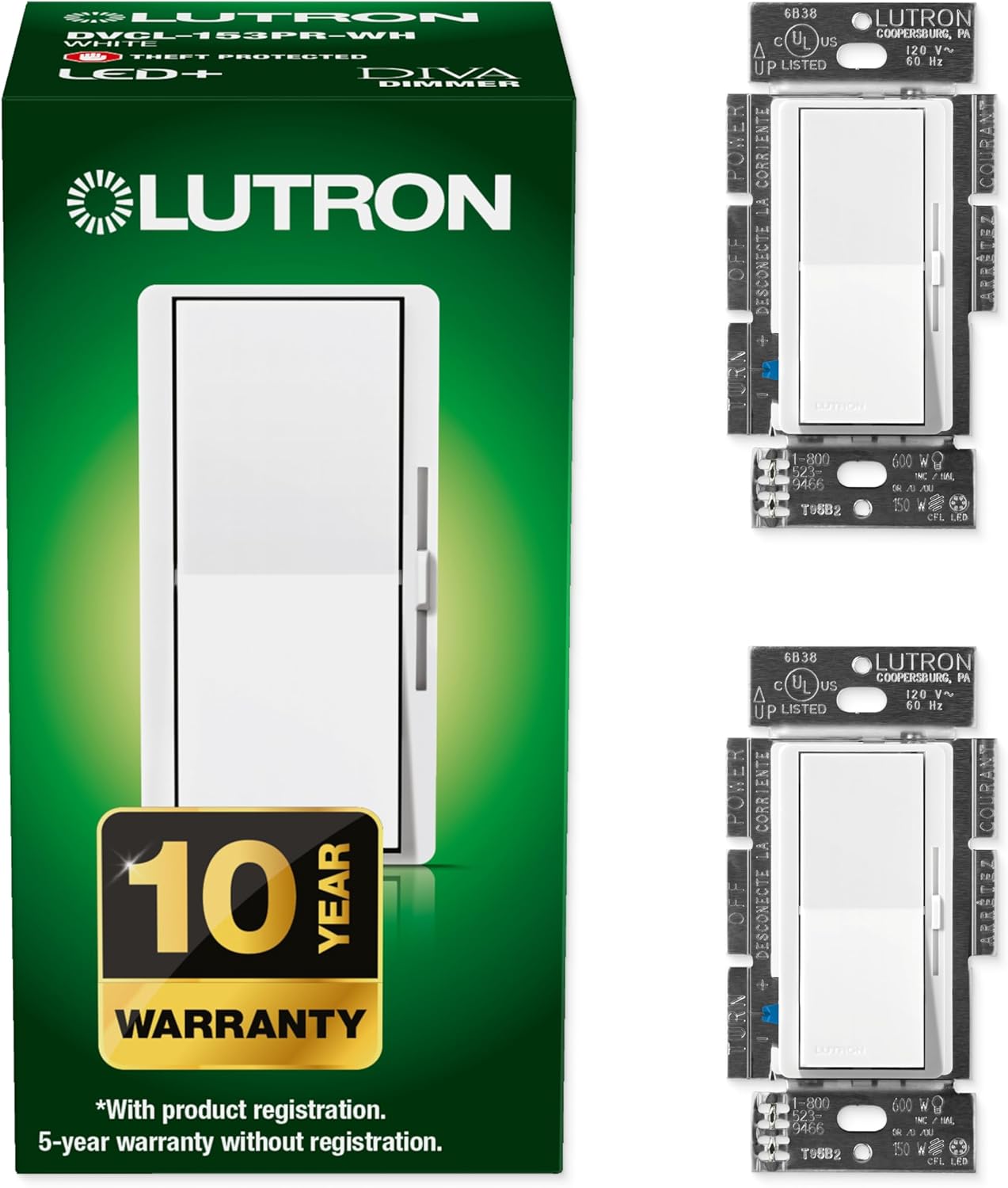
Compared to Lutron, you give up some things: Lutron is usually smoother at low dim levels, supports multi‑way setups more cleanly, and works locally through a hub instead of relying on the cloud. But you also pay more and have to deal with another box plugged into your router. If you just want to smarten up a few single-pole circuits and don’t care about HomeKit or ultra-fancy scenes, the HS220 is easier on the wallet and simpler to drop into an existing Wi‑Fi setup.
Against cheap no-name smart dimmers, the HS220 costs a bit more, but in my opinion, it’s worth that small bump. You get a more mature app, better support, and firmware that actually gets updated. I’ve tried bargain smart switches before that randomly dropped off the network or had sketchy apps; not worth the headache to save a few bucks. With Kasa, you’re not getting luxury, but you are getting something that’s been around for years and has a solid user base.
The main catch on value is the wiring requirement: if you don’t have a neutral, this suddenly becomes expensive, because now you’re talking about electrician costs or returning the product. So the value is great only if your wiring is compatible and you’re okay with Wi‑Fi-based control. In that scenario, I’d say it’s a smart buy for most people who just want reliable, basic smart dimming without spending too much.
Looks like a normal switch, behaves like a smart one
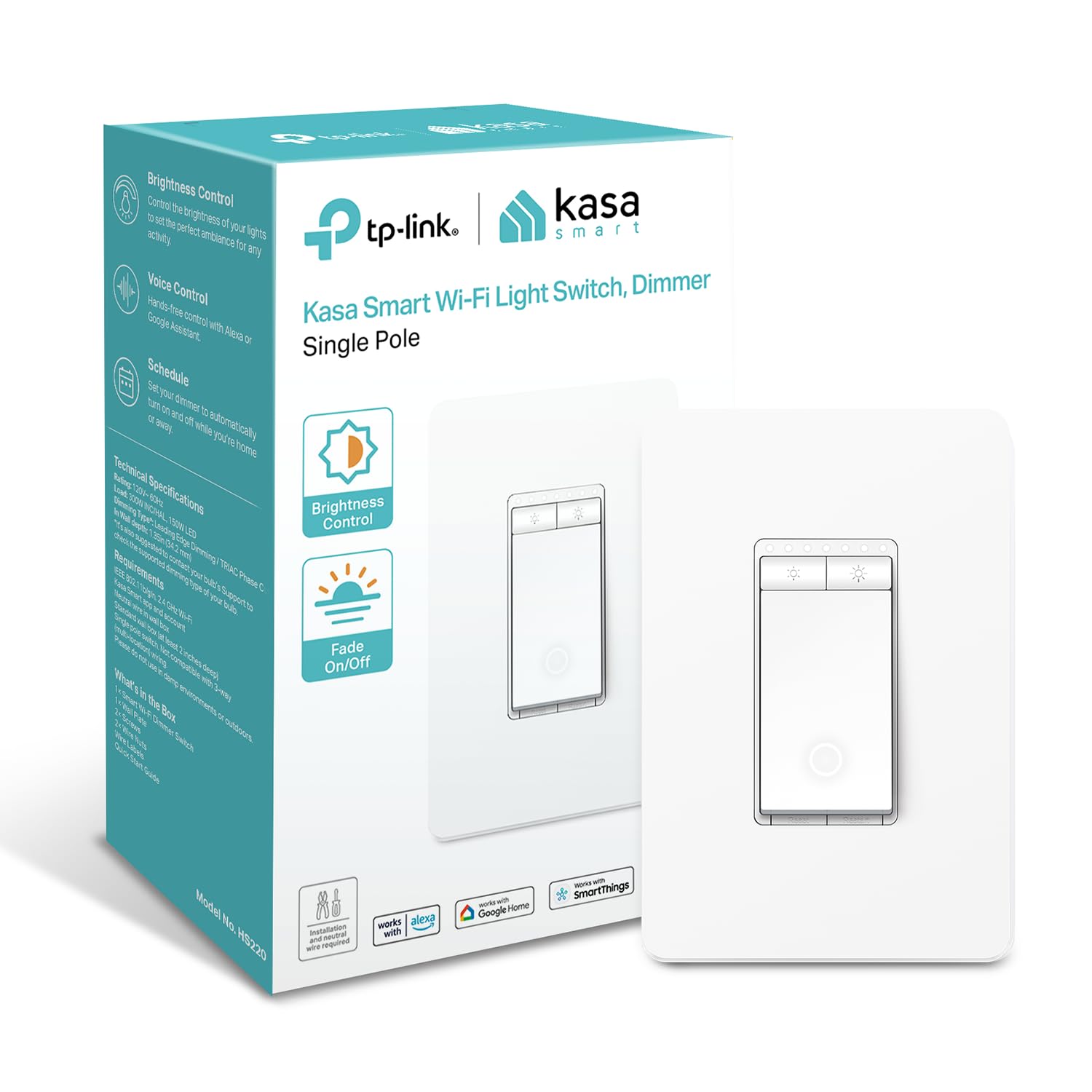
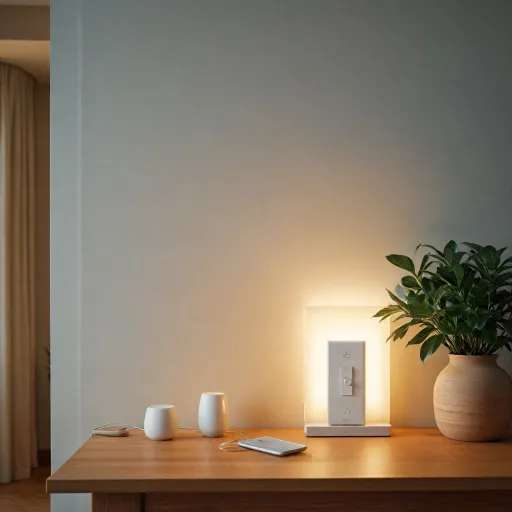
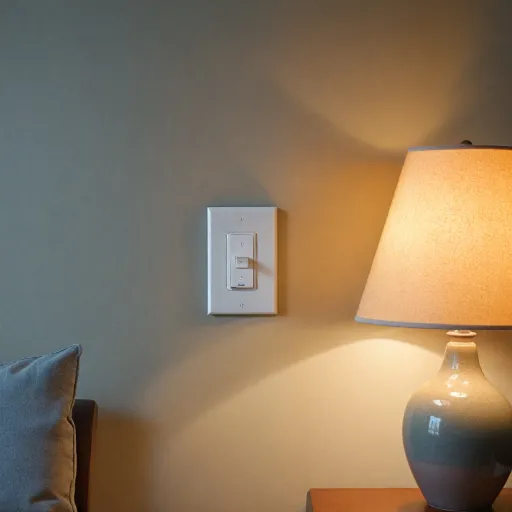
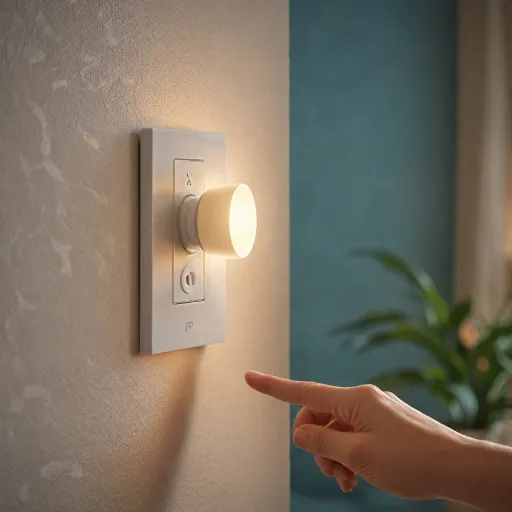
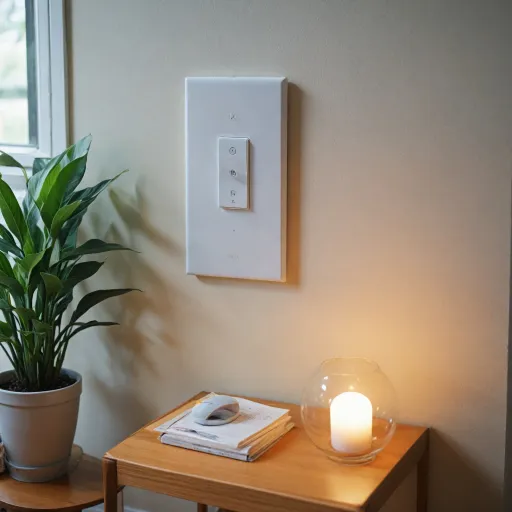
Design-wise, the HS220 is pretty standard. It’s a white paddle-style switch with a slim LED strip on the right side that shows the brightness level. There’s a small status LED near the bottom that tells you if the switch is on, off, or in pairing mode. It fits in a regular Decora-style wall plate. In my case, I reused the existing plate in one room and used the included plate in another; both looked fine and didn’t stand out in a bad way next to my regular switches.
The brightness indicator LEDs are actually useful. You can walk up, glance, and see roughly how bright the light is set without turning it all the way up or down. At night, the tiny indicator could bother some people if the switch is in a bedroom, but you can tweak behavior in the app. In my hallway, it’s actually convenient because it doubles as a faint locator light so you can find the switch in the dark.
From a usability point of view, the main paddle is a simple on/off, and the side bar handles dimming by tapping or holding. It’s not the most premium-feeling switch I’ve ever clicked, but it’s not cheap and wobbly either. I’d call it perfectly decent. My family used it like any other switch without even asking how it worked, which to me is a good sign that the design is straightforward enough.
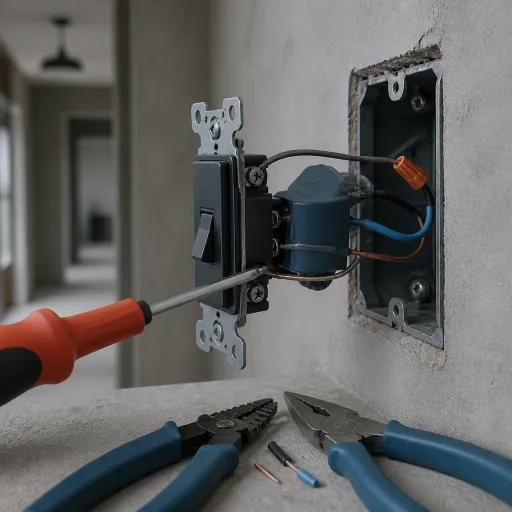
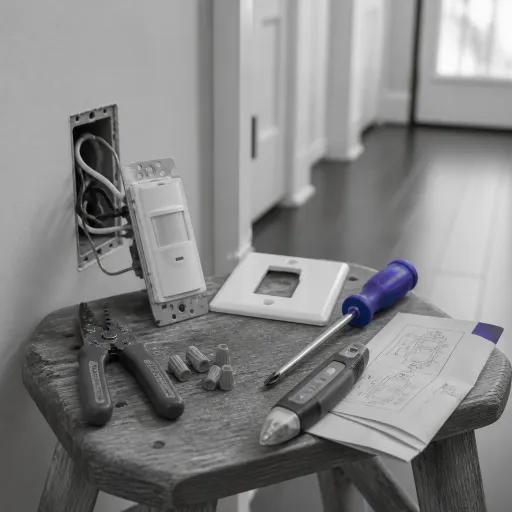
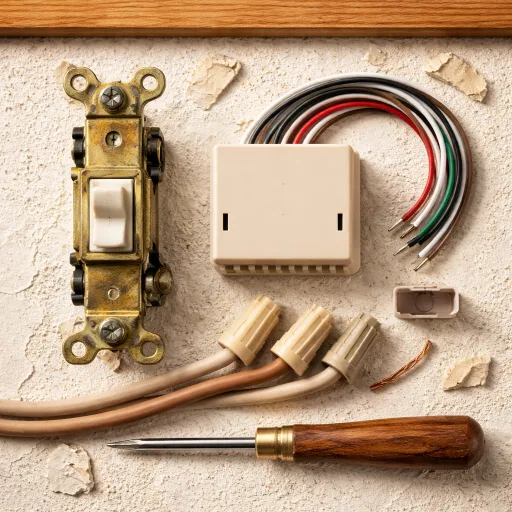
One thing to keep in mind: it’s a bit deeper than some dumb switches because of the electronics inside. In a shallow or crowded electrical box with a lot of wires, it can be a bit of a squeeze to tuck everything back in. In one older box with several wire nuts already stuffed in there, I had to spend some time arranging things so the switch would sit flush. So aesthetically it’s fine, but you might have a bit of wrestling to do in tight boxes during install.
Build quality and reliability over time
I haven’t had this switch for years yet, but I’ve been using Kasa stuff for a long time (plugs, basic switches, and a couple of older HS220s in another place), so I have a decent idea of how they hold up. The plastic housing on the HS220 feels sturdy enough, not premium, but not flimsy. The mounting ears and screw terminals are solid, and I didn’t feel like I was going to crack anything by tightening it down normally. It’s UL certified, which at least means it’s been through basic safety checks.
On older Kasa switches I’ve had running for 2+ years, I haven’t had any failures or weird overheating, and this HS220 feels very similar in build. The relay click is clean, and the device doesn’t get more than slightly warm even after hours of use with a decent LED load. One of mine is driving a string of outdoor eave lights (similar to what one Amazon reviewer mentioned), and so far it’s handled that fine without buzzing or flicker.
Software reliability matters just as much as hardware here. The Kasa ecosystem has been pretty stable for me. Over several weeks of testing this HS220, I didn’t get random resets or lost configurations, and firmware updates went through without drama when prompted. If your power or internet blips, the switch comes back to the last state and reconnects on its own. That’s a big deal because some cheaper smart switches need to be re‑paired constantly, which is a pain.
Of course, there’s always a chance of a dud unit, and some reviews mention the occasional stubborn one during setup. But in terms of long-term feel, I’d trust this more than a no‑name Amazon brand. It’s not bulletproof industrial gear, but for a home environment, I’d rate the durability as good for the price, and I’m comfortable using it on circuits I actually rely on daily.
Everyday performance: dimming, Wi‑Fi, and voice control
In daily use, the HS220 is pretty solid. The physical response is instant: you hit the paddle and the lights turn on or off with no noticeable delay. Dimming from the switch itself is smooth enough; you hold the side bar and the brightness ramps up or down in a reasonable curve. With dimmable LED bulbs, I only noticed flicker before I adjusted the minimum level in the app. After that, the lights stayed stable across the range I actually use (around 20–100%).
On the Wi‑Fi side, once it was set up, I didn’t have any drops or random offline moments over a few weeks. Commands from the Kasa app usually took about a second to register, which is normal for cloud-based smart devices. Same timing with Google Assistant and Alexa: “Hey Google, set hallway lights to 30%” would update within about a second or two. It’s not instant like a local system, but for simple home use it’s fine. The key point: no weird disconnects or having to constantly reset the switch.
The scheduling and timer features are practical. I set my exterior eave lights on a sunset-based schedule, and the switch followed it reliably every day. The Away Mode that randomly turns lights on and off is a bit of a gimmick in my opinion, but if you travel a lot you might like it. I ran it for a couple of evenings just to test, and it did what it says. For me, fixed schedules and manual control cover 99% of real use.
The only performance annoyance I hit was during initial pairing on one of the switches. It refused to join my Wi‑Fi a couple of times, then suddenly worked the next day with no changes from my side. This lines up with some reviews saying setup can be hit‑or‑miss on the first attempt. But once it’s in, it behaves. So overall: reliable enough for everyday use, with some minor setup quirks that you deal with once and then forget about.
What this thing actually does (and what it doesn’t)
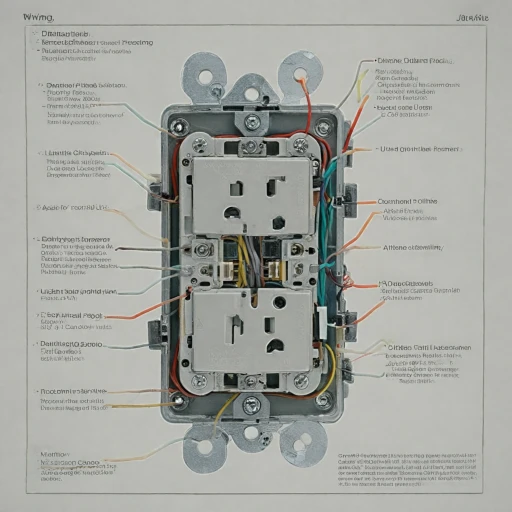
The HS220 is a single‑pole smart dimmer. That means it only replaces a switch that’s controlled from one location. If your light is controlled from two switches (three‑way setup), this model is not for that. It also requires a neutral wire, which is the big limitation. If you open your box and don’t see a bundle of white wires tied together, you’re probably out of luck unless you get an electrician to rewire things. Kasa is pretty clear about this, but people still miss it when ordering.
Function-wise, it connects directly to your 2.4 GHz Wi‑Fi, no hub or bridge. You control it via the Kasa app (or Tapo, depending on region), and it works with Alexa and Google Home for voice commands like “set living room lights to 40%.” In my setup, I tested it with both Alexa and Google; both integrations were straightforward once the switch was in Kasa. You can do on/off, dimming levels, schedules, and scenes. The "Gentle Off" feature is a nice touch: it slowly fades the light instead of cutting it instantly, which is handy at night.
The app lets you set minimum and maximum brightness, which matters a lot with LED bulbs. On my living room cans, I had to tweak the minimum level so the LEDs didn’t flicker at the lowest setting. Once tuned, dimming was smooth enough. Just don’t expect crazy fine-grain control like high-end Lutron stuff; it’s good, but not that level. For a basic home setup though, it’s perfectly acceptable.
Where it falls a bit short is in flexibility: no multi‑way support on this model, no fancy adaptive lighting, and no native support for stuff like HomeKit. Also, Wi‑Fi only means if your router is overloaded or flaky, you’ll feel it. In practice, for a normal house with a half‑decent router, it’s good value for money and covers the basics most people actually use: manual control, app control, voice control, and schedules.
Does it actually make your lights easier to live with?
For me, the real test of a “smart” dimmer is whether it actually makes life easier or if it’s just another gimmick you brag about once and then ignore. In this case, the HS220 actually changed how I use my lights a bit. In the living room, I went from basically only on/off to actually using different levels for TV, reading, and just walking through. Being able to say “Alexa, lights to 25%” when starting a movie is one of those small quality-of-life things that you get used to quickly.
From a practical standpoint, the combination of wall control, app control, and voice control hits a good balance. My partner mostly uses the wall switch and doesn’t care about the app. I mostly use voice and sometimes the app if I’m already on my phone. Both of us are covered, and we’re not fighting with each other’s preferences. That’s where a smart dimmer like this is more effective than just a smart bulb solution in some cases, because the wall switch still behaves like a normal switch for anyone who doesn’t want to mess with phones.
The dimmer also does well with routines. I set up a simple “Goodnight” scene that dims the living room and hallway to low levels instead of just turning everything off. It’s not fancy, but it stops you from stumbling in the dark if you need to grab something before bed. The Gentle Off feature is especially nice in kids’ rooms or bedrooms; I tried it in a guest room, and it’s more pleasant than lights snapping off when you’re already half-asleep.
Is it life-changing? No. But as a tool, it gets the job done: it gives you granular control over brightness, remote access when you’re away, and enough automation to make basic routines smoother. If you’re expecting pro-level dimming curves and super granular control like high-end systems, this isn’t that. But for a normal house where you just want better control over a few key circuits, it’s effective and doesn’t feel overcomplicated.
Pros
- Good price for a Wi‑Fi smart dimmer with app and voice control
- Works reliably once installed, with solid Kasa app support and scheduling
- Keeps full manual wall control so non‑techy people can use it easily
Cons
- Requires a neutral wire and only works on single-pole circuits
- Setup can be finicky on some units, taking multiple attempts
- Wi‑Fi and cloud dependent, no native HomeKit or advanced local control
Conclusion
Editor's rating
The Kasa HS220 is a practical, budget-friendly smart dimmer that does exactly what most people need: it turns lights on and off, lets you dim them from the wall, your phone, or your voice assistant, and it doesn’t make your life harder once it’s set up. In daily use, it behaves like a normal switch first, which keeps everyone in the house happy, and a smart device second, which is what you want for basic convenience and automation.
It’s not perfect. You need a neutral wire, it only works on single-pole circuits, and the initial setup can be a bit stubborn on the odd unit. It also leans on cloud connectivity, so if you’re obsessed with fully local control or deep integration with advanced platforms, this isn’t the top choice. But if you just want to walk into a room, hit a familiar-looking switch, and also have the option to say “Alexa, dim the lights” from the couch, it hits that sweet spot of simple and affordable.
I’d recommend the HS220 to anyone with neutral wiring who wants to add smart dimming to a few key rooms—living room, dining room, bedroom, hallways—without diving into an expensive hub-based system. If you’re already using Kasa plugs or switches, it’s a no-brainer to stay in the same app. On the other hand, if your house has no neutrals, you need three-way support, or you’re building a more advanced smart home with local control and multi-brand automation, you might be better off looking at higher-end options even if they cost more upfront.