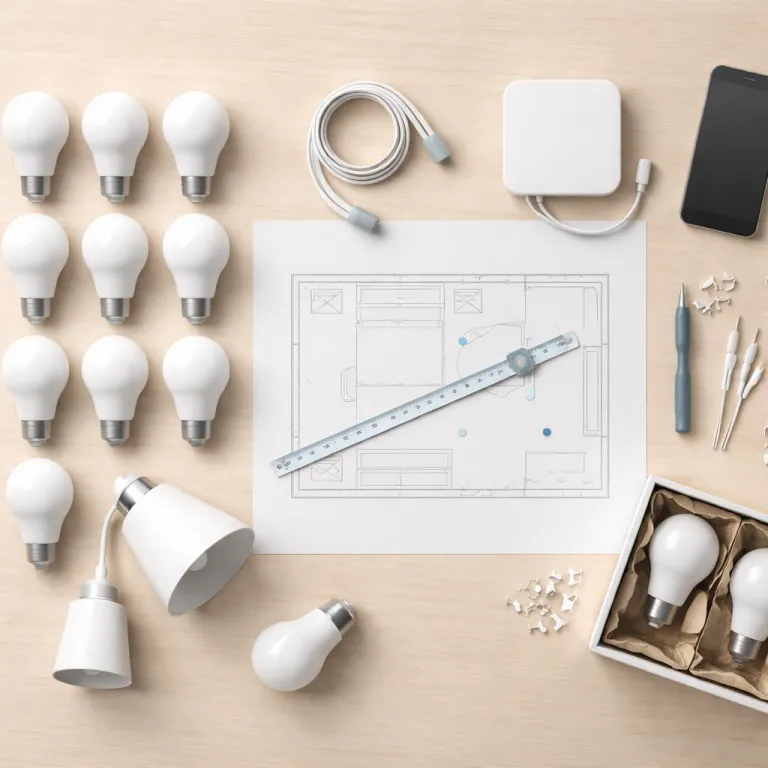
Why a 12 bulb bedroom makes more sense than it sounds
When you set up Hue smart bulbs in a bedroom, four bulbs rarely feel enough. After months of testing Philips Hue White and Color Ambiance bulbs and Hue lights in real homes, the sweet spot for a medium bedroom was usually around twelve bulbs spread across several fixtures. That sounds excessive at first, yet once the bulbs are installed in ceiling fittings, floor lamps, bedside lamps and accent spots, the light finally feels even and calm.
Start by mapping the room into functional zones before you even open the Hue app or connect a Hue Bridge, because the physical layout drives every later setting and scene. In our reference setup, we used one central ceiling bulb, two bedside bulbs, two bulbs in floor lamps, two in wall sconces, two in a headboard strip, one in a wardrobe, and two in a small desk or vanity area. This structure lets you set Hue scenes that feel intentional rather than just turning all the devices on at the same brightness.
Use a Philips Hue starter kit if you are new, since the starter kits bundle a Hue Bridge and a few bulbs that guarantee basic compatibility and a stable internet connection. Once the bridge is wired to your router, you can add more bulbs in the Hue app and expand to multiple rooms without changing the core setup. The goal is not to fill every socket with a Philips bulb immediately, but to set time aside to test each new light in the lights room layout before committing to a final setting.
Building zones in the Hue app instead of one flat bedroom
Most people set up Hue smart bulbs in a bedroom by creating a single room in the Hue app and dumping every bulb into it. That works for basic control, yet it quickly breaks when you want different settings for reading, dressing, or winding down, especially once you add more devices. A better approach is to use the Hue lights room as a container, then create zones that cut across fixtures based on how you actually move through the space.
In our long term test, we created four key zones in the Philips Hue app for one bedroom setup : Bed, Wardrobe, Ambient and Desk. The Bed zone grouped the bedside bulbs and headboard strip, while the Ambient zone combined the ceiling bulb and floor lamps to wash the walls softly. Wardrobe and Desk zones stayed brighter and cooler, so you can tap one tab in the app and get task light without blasting the whole room.
To build these zones, open the Hue app, go to Settings, then tap Rooms & Zones and add a new zone for each activity. You can set Hue scenes per zone, then combine them into routines that feel layered rather than binary on off. When you scan for a new bulb or switch, always assign it to a room first, then to one or more zones, because that structure keeps your setup understandable when you later integrate an Amazon Echo or Apple Home for voice control.
The three bedroom scenes that actually get used every day
Once you set up Hue smart bulbs in a bedroom, the real magic comes from a few well tuned scenes rather than dozens of novelty color loops. In our testing, three scenes survived months of daily use : Morning ramp, Evening read and Cinema, each tuned with specific color temperature and brightness for Philips Hue bulbs. These scenes work best when you set time based routines in the Hue app so they appear automatically instead of relying on manual tab tapping every night.
Morning ramp starts at around 2200–2500 K at 10–15 percent brightness on the Bed zone, then climbs to 3500–4000 K at 60 percent over twenty to thirty minutes. You can set Hue routines in the app to begin this ramp at a chosen set time on weekdays, while keeping weekends manual so guests or non morning partners are not jolted awake. We tried the full sunrise wake feature for a non morning person and found it too aggressive, so we pulled that setting and kept a gentler ramp that respects different sleep patterns.
Evening read uses warmer light, around 2700 K at 35–45 percent on bedside bulbs, with the ceiling bulb off and only floor lamps at a low glow. Cinema drops almost everything to 10–15 percent, keeps a single ambient bulb at 2200 K, and leaves wardrobe and desk zones off so screens do not reflect harshly. You can assign each scene to a physical dimmer switch, so one tap sets Evening read, a second tap tap cycles to Cinema, and a long press turns every bulb off without needing your phone.
Routines, switches and automations that partners and guests tolerate
A bedroom lighting setup only works if everyone in the room can use it without thinking. That is why we always pair the Hue Bridge with at least one Philips Hue dimmer switch on the wall, even when voice assistants and apps are available. Voice control through an Amazon Echo or Apple HomePod is convenient, yet a simple switch still wins when someone is half asleep or visiting.
In the Hue app, go to Settings, then Accessories, and add your dimmer switch so each button controls a specific scene rather than just brightness. We like to set the top button to turn on Morning ramp during the day and Evening read after sunset, while the bottom button always turns everything off. The middle buttons adjust brightness in small steps, which is gentler than a binary on off switch and keeps the lights installed feeling more like a traditional dimmer.
For routines, avoid hard coded wake times that run every day, because guests and partners will eventually be caught by a surprise 07:00 blast. Instead, use the set time options tied to specific days and rooms, and keep wardrobe or closet motion sensors limited to that zone only. When you add new devices, always scan and assign them carefully so a motion sensor in the hallway does not accidentally trigger the bedroom bulb, which is a common failure point in more complex multiple rooms setups.
What we tried, what failed and the small hardware choices that matter
Not every feature you can set up with Hue smart bulbs in a bedroom is worth keeping. We tested saturated color scenes that looked impressive in marketing photos, yet after a few weeks they mostly gathered dust in the app tabs. Deep blues and purples made the room feel like a nightclub rather than a place to sleep, and partners often reached for the dimmer switch to return to warm white.
We also experimented with motion sensors near the bed, hoping to have Hue lights gently guide late night trips without manual control. In practice, even with careful setting of brightness and set time windows, the sensors triggered too often and broke the sense of calm, so we moved them to the wardrobe and hallway instead. That small change kept the bedroom dark unless someone explicitly used a switch, while still giving enough light to find clothes or navigate at night.
On the hardware side, a reliable internet connection for the Hue Bridge matters more than chasing every new bulb model or starter kit. Place the bridge near your router, avoid daisy chaining it through cheap switches, and use the official Hue app from the App Store or Google Play rather than third party clones. When you add a new Philips Hue bulb, use the code printed on the bulb base if the automatic scan fails, enter the full digit code scan in the app, and check that each new light appears in the correct room before you start building scenes.
Step by step: from first starter kit to a coherent 12 bulb bedroom
If you are starting from zero, begin with a Philips Hue starter kit that includes a Hue Bridge and two or three bulbs. Connect the bridge to your router with an Ethernet cable, wait for the lights on the bridge to stabilize, then open the Hue app and follow the on screen setup prompts. When asked, create a bedroom room, add your first bulbs, and confirm that you can switch them on and off from the main tab.
Next, install additional bulbs in bedside lamps, floor lamps and any accent fixtures, then return to the app to scan for new devices. If the automatic search misses a bulb, tap the add light option, enter the serial code printed on the bulb, and let the app perform a manual code scan to bring it online. Once all lights are visible, reorganize them into zones as described earlier, then set Hue scenes for Morning ramp, Evening read and Cinema so each zone contributes the right amount of light.
Finally, integrate your setup with an Amazon Echo or Apple Home if you want voice control, but keep at least one dimmer switch in easy reach for everyone. In the Hue app settings, link your account to the chosen voice platform, then test simple commands like turning off the bedroom or dimming the bed zone to 30 percent. Over a few weeks, adjust brightness levels, timings and which bulbs belong to which zone until the room feels right at 21:00, not just in the app screenshots.
Frequently asked questions about setting up Hue smart bulbs in a bedroom
How many Hue bulbs do I really need in a typical bedroom ?
For a medium bedroom of around 12–16 square metres, most people find that eight to twelve Philips Hue bulbs or light sources give more even, comfortable coverage than the four bulbs many starter kits include. That total can mix ceiling fixtures, bedside lamps, floor lamps and accent lights rather than twelve identical bulbs in one fitting. The exact number depends on ceiling height, wall colour and how much indirect light you prefer.
Do I need a Hue Bridge, or can I just use Bluetooth bulbs ?
Bluetooth only Philips Hue bulbs work for very small setups, yet they become frustrating once you add more lights or want automation. A Hue Bridge gives you more reliable control, better range, access to advanced scenes and routines, and easier integration with Amazon Echo or Apple Home ecosystems. If you plan to expand beyond a couple of bulbs in one room, the bridge is worth installing from the start.
What is the best way to avoid waking my partner with smart light routines ?
Use zones and gentle ramps instead of a single bright room routine. Limit morning automations to the bedside bulb on your side, start at very low brightness with warm colour temperature, and let it rise slowly over twenty to thirty minutes. Keep wardrobe and ceiling lights manual in the early morning, and always provide a physical dimmer switch so your partner can override any scene instantly.
Are colourful scenes useful in a bedroom, or should I stick to warm white ?
Colourful Philips Hue scenes can be fun for short periods, yet most people settle on warm white or slightly cool white for daily bedroom use. Saturated colours like deep blue or purple often feel harsh at night and can make it harder to relax, especially if used at high brightness. A practical compromise is to keep colour for occasional accent lighting while using warm white scenes for reading, winding down and watching films.
Can I control bedroom Hue lights if the internet goes down ?
If you use a Hue Bridge, you can still control your bedroom lights locally with the Hue app and dimmer switches even when the wider internet connection fails. The bridge talks to bulbs over Zigbee inside your home, so basic on off and scene changes continue to work. Cloud dependent features like remote control from outside the house or some voice assistant functions may pause until the connection returns.
