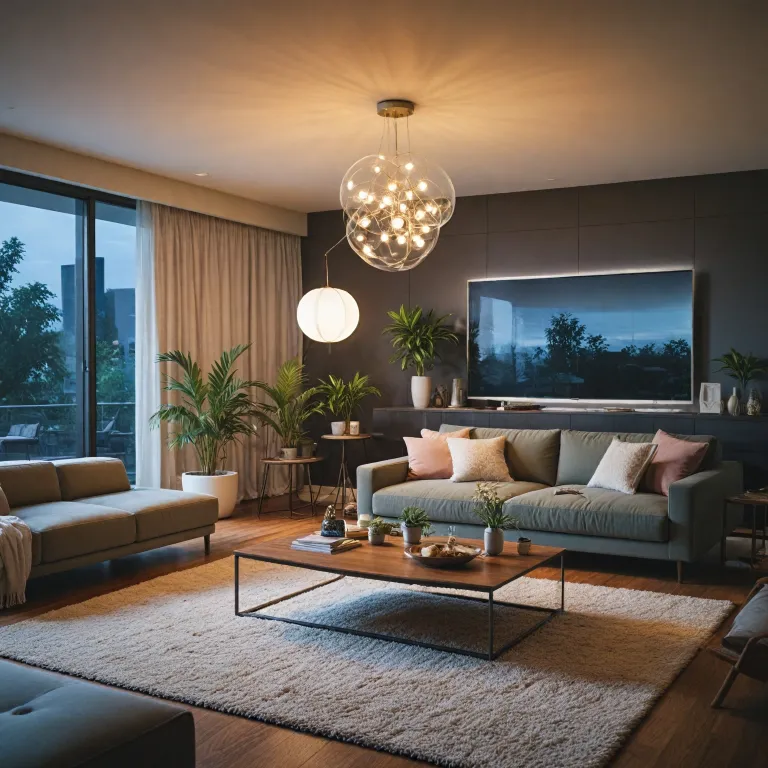
Understanding the aqara hub and its role in smart lighting
What Makes a Smart Hub Essential for Modern Lighting?
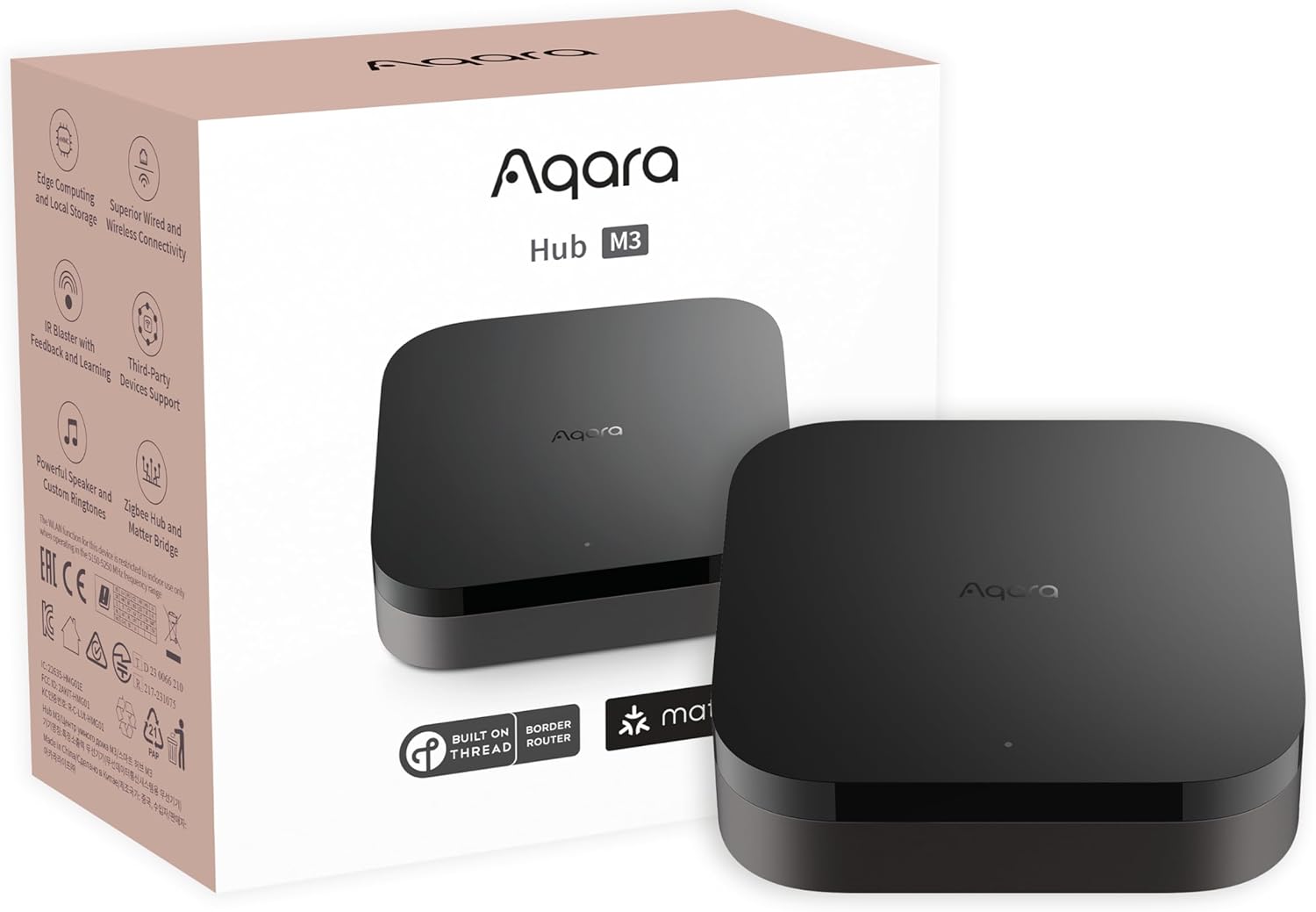
Smart lighting is more than just replacing bulbs; it’s about creating an environment where your lights respond to your needs, routines, and even your voice. At the heart of this transformation is the smart hub. The Aqara Hub stands out as a central controller, connecting your smart devices—like bulbs, switches, and sensors—into a single, unified system. It supports popular platforms such as Apple HomeKit, Amazon Alexa, and Google Assistant, making it easy to control your lights with voice commands or through your favorite app.
How the Aqara Hub Connects and Controls Devices
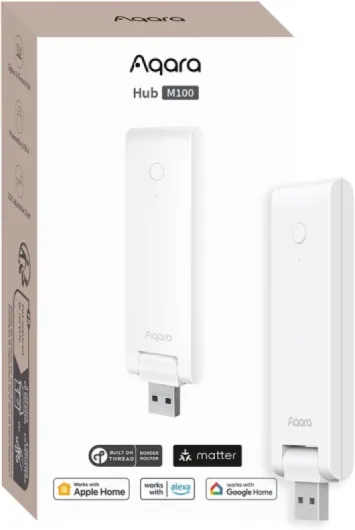
The Aqara Hub acts as a bridge between your wireless Zigbee devices and your home Wi-Fi network. This means you can connect Aqara Zigbee sensors, switches, and other compatible products to the hub, then manage them remotely or automate them for routines. With support for Apple HomeKit Secure Video, you can even integrate Aqara camera hubs for added security and monitoring. The hub’s USB power option and compact design make it easy to place anywhere in your home.
- Voice control: Works with Alexa, Google Assistant, and Apple HomeKit for hands-free lighting adjustments.
- Automation: Set up routines and scenes that trigger lights based on time, motion, or sensor activity.
- Remote control: Manage your smart lights from anywhere using your smartphone or voice assistant.
- Compatibility: Supports a wide range of Zigbee devices, making it easy to expand your smart home ecosystem.
For those interested in expanding beyond lighting, the Aqara Hub also supports water leak sensors, wireless switches, and even integrates with IFTTT for advanced automation. This flexibility means you can start with smart lighting and gradually build a comprehensive smart home system.
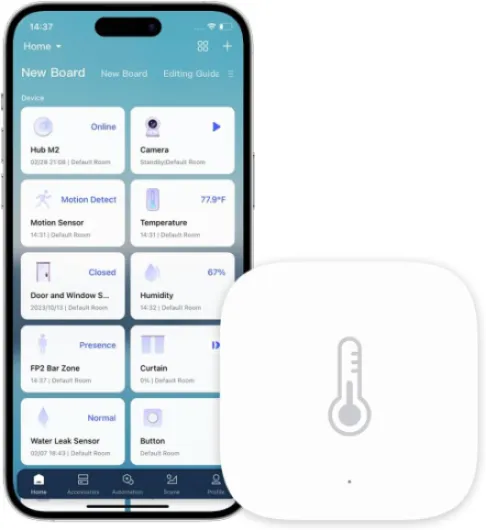
If you’re curious about how temperature sensors can further enhance your automation and comfort, check out this guide on the benefits of Z-Wave temperature sensors.
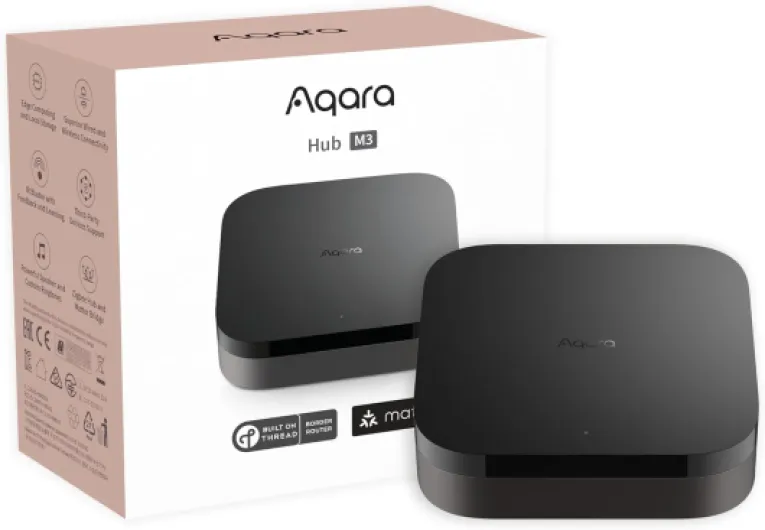
- + Supports multiple protocols: Zigbee, Bluetooth, Wi-Fi
- + Functions as a Matter Controller
- + Acts as a Thread Border Router
- + Integrates with Alexa, Apple HomeKit, SmartThings, Home Assistant, IFTTT
- + Supports Power over Ethernet (PoE)

Key features that set the aqara hub apart
What Makes the Aqara Hub Stand Out in Smart Lighting?
The Aqara hub is more than just a bridge for your smart lights. It acts as a central smart hub, connecting a wide range of smart devices through Zigbee technology. This means you can control compatible bulbs, switches, and sensors from one place, making your lighting setup both flexible and future-proof.
- Multi-platform compatibility: The Aqara hub works seamlessly with Apple HomeKit, Amazon Alexa, and Google Assistant. This allows for voice control and remote control from your favorite assistant, whether you prefer Alexa, Google, or Apple’s ecosystem.
- Robust automation options: With support for routines and scenes, you can automate your smart lighting based on time, motion, or even water leak sensors. This level of automation is ideal for energy savings and convenience.
- Secure and private: The hub supports HomeKit Secure Video, so if you use an Aqara camera hub, your video streams are encrypted and stored securely. This focus on privacy is a strong point for users concerned about data security.
- Wide device support: Thanks to Zigbee, the hub connects not only Aqara smart devices but also a variety of Zigbee devices from other brands. This makes it easy to expand your smart home ecosystem without being locked into a single product line.
- Affordable and flexible: The price point of the Aqara hub is competitive, and with options like USB-powered models, you can place it wherever you need wireless coverage most.
For those looking to integrate locks or other smart devices, the Aqara hub’s compatibility with Z-Wave locks and other automation products makes it a versatile choice. Whether you want to connect Aqara sensors, set up voice control, or expand with more Zigbee devices, this hub is designed to grow with your needs.
Its ability to work with assistant IFTTT, Amazon Alexa, and Google Assistant further enhances your control options, making it easy to manage your smart lighting and other devices from anywhere. The Aqara hub is a strong foundation for any smart home, especially if you value automation, security, and compatibility.
Setting up your smart lights with the aqara hub
Getting Started: Connecting Your Smart Lights
Setting up your smart lights with the Aqara hub is a straightforward process, but there are a few key steps to ensure everything works seamlessly. The Aqara hub acts as the central point for your smart devices, using Zigbee technology to connect compatible bulbs, switches, and sensors. This hub can be plugged in via USB or directly into a power outlet, depending on the product model.
- Download the Aqara Home app on your smartphone. This free app is available for both iOS and Android, and it’s essential for pairing and managing your devices.
- Power up your Aqara hub. Once connected, follow the in-app instructions to add the hub to your Wi-Fi network. Most Aqara hubs support both 2.4GHz Wi-Fi and wired connections.
- Add your smart lights by selecting the appropriate product type in the app. The Aqara hub will search for Zigbee devices nearby. Make sure your bulbs or switches are in pairing mode.
- Assign rooms and names to your devices for easier control later. This helps when using voice assistants like Amazon Alexa, Google Assistant, or Apple HomeKit.
Integrating with Voice Assistants and Other Platforms
One of the standout features of the Aqara hub is its compatibility with major smart home ecosystems. Whether you use Amazon Alexa, Google Assistant, or Apple HomeKit, you can link your Aqara hub for voice control and remote access. For instance, you can ask Alexa or Google to turn on your lights, or use Apple HomeKit for secure video integration if your hub supports camera functions.
To connect Aqara to these platforms, follow the integration steps in the Aqara app. You’ll typically need to enable the Aqara skill in Alexa or link your account in Google Home or Apple Home. This opens up automation possibilities, such as routines triggered by sensors or schedules.
Tips for Reliable Setup and Control
- Place your hub in a central location to maximize Zigbee signal coverage for all your smart devices.
- Check that your lights and switches are compatible with the Aqara Zigbee hub. Some third-party Zigbee devices may require additional steps.
- Consider using kinetic switches for flexible, wireless control without batteries. Learn more about how kinetic switches are changing the way we control smart lighting.
- For advanced automation, pair sensors like motion or water leak detectors to trigger lighting scenes or alerts.
With the right setup, the Aqara hub transforms your lighting experience, offering reliable wireless control, automation, and integration with leading smart home platforms. Whether you’re using voice commands, the app, or physical switches, you’ll enjoy a more convenient and connected home environment.
Maximizing automation: routines and scenes
Creating Personalized Lighting Experiences
The Aqara hub stands out in smart lighting by making automation accessible and flexible. With this hub, you can set up routines and scenes that adapt your lighting to your daily habits, moods, or even the weather. The hub works seamlessly with popular voice assistants like Amazon Alexa, Google Assistant, and Apple HomeKit, so you can control your smart devices hands-free or through your favorite app.
How Automations Work with Aqara
Automations are rules that trigger your smart lights or other devices based on specific conditions. For example, you can program your lights to turn on automatically when a motion sensor detects movement, or dim the lights at sunset. The Aqara hub uses Zigbee technology, which means fast, reliable, and wireless communication between your devices. This is especially useful if you have a mix of Zigbee devices, sensors, and smart bulbs from different brands.
- Routines: Set schedules for your lights to turn on or off at certain times, ideal for energy savings and security.
- Scenes: Create moods with one tap or voice command. For example, a "movie night" scene can dim the lights and close your smart blinds.
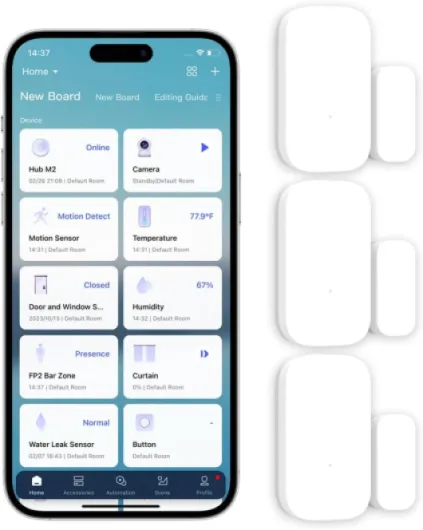
- Sensor Integration: Use Aqara sensors like motion, door/window, or water leak sensors to trigger lighting changes automatically.
- Voice Control: Use Alexa, Google Assistant, or Apple HomeKit to activate routines or scenes with simple voice commands.
Expanding Automation Beyond Lighting
The Aqara hub is more than just a smart lighting controller. It can connect to other smart devices, such as cameras, wireless switches, and even water leak sensors. This allows you to create complex automations, like turning on hallway lights if a water leak is detected at night. The hub supports IFTTT, so you can link Aqara products with other brands and services for even more possibilities.
Cost and Flexibility
One of the advantages of the Aqara hub is its competitive price and flexibility. You can start small with a few smart bulbs and sensors, then expand your system over time. The hub supports both USB and wireless connections, making it easy to place anywhere in your home. Plus, with HomeKit Secure Video support on certain Aqara camera hubs, you can integrate security and lighting automations for a more connected home experience.
Compatibility and expanding your smart home ecosystem
Expanding Your Smart Home with the Aqara Hub
The Aqara hub stands out as a versatile smart hub, making it easy to connect a wide range of smart devices. Whether you’re starting with smart lighting or planning to grow your setup, the hub’s compatibility is a major advantage. It supports Zigbee devices, so you can add sensors, switches, and even water leak detectors without worrying about brand limitations. This flexibility means your smart home can evolve as new products become available, all managed from a single control point.
Seamless Integration with Major Platforms
One of the key strengths of the Aqara hub is its ability to work with popular voice assistants and ecosystems. It supports Apple HomeKit, Amazon Alexa, and Google Assistant, allowing you to control your smart lights and other devices using voice commands. For example, you can ask Alexa or Google Assistant to turn off your lights or set a scene, making daily routines more convenient. The hub also supports IFTTT, so you can create custom automations that connect your Aqara devices with other smart products in your home.
- Apple HomeKit: Enables secure video with compatible Aqara camera hubs and supports HomeKit Secure Video for added privacy.
- Amazon Alexa & Google Assistant: Simple voice control and remote control of your lights and sensors.
- IFTTT: Advanced automation options for integrating with third-party products.
Adding More Devices and Sensors
The Aqara hub’s Zigbee protocol ensures reliable wireless connections with minimal interference. You can connect Aqara Zigbee sensors, smart plugs, and switches, as well as compatible third-party Zigbee devices. This makes it easy to expand your smart lighting system or add new features like motion detection, temperature monitoring, or water leak alerts. The USB-powered design of some Aqara hubs also means flexible placement around your home.
Cost-Effective and Scalable
When considering price, the Aqara hub offers a cost-effective way to build a scalable smart home. You can start with a few lights or sensors and add more devices as your needs grow. Many Aqara devices are affordable, and the hub itself often comes at a competitive price point compared to other smart hubs. Plus, there are no ongoing fees for basic automation and remote control features, making it a budget-friendly choice for most households.
Security and Privacy
With support for HomeKit Secure Video and local automation, the Aqara hub helps keep your data private. You can use Aqara camera hubs to monitor your home, and all video footage can be stored securely within Apple’s ecosystem if you use HomeKit. This focus on privacy and security is especially important as you expand your smart home network.
Troubleshooting common issues with smart lighting and the aqara hub
Common Problems and Practical Solutions
Smart lighting with the Aqara hub is generally reliable, but users sometimes encounter issues that can disrupt the experience. Here are some of the most frequent challenges and how to address them:- Device Not Responding: If your smart lights or other Zigbee devices stop responding, first check the hub’s power and network connection. Make sure the Aqara hub is within range of your wireless router and Zigbee devices. Rebooting the hub or resetting the device can often restore connectivity.
- Voice Control Issues: Problems with Amazon Alexa, Google Assistant, or Apple HomeKit voice commands are often due to integration errors. Double-check that your Aqara hub is properly linked to your preferred assistant. For Alexa or Google Assistant, ensure the correct skills or services are enabled. For Apple HomeKit, verify that the hub is added to the Home app and that you have the latest firmware updates.
- Automation Not Triggering: If routines or scenes are not activating as expected, review your automation settings in the Aqara app. Confirm that sensors, such as motion or water leak sensors, are correctly paired and have sufficient battery. Sometimes, reconfiguring the automation or updating the app resolves these issues.
- Compatibility Concerns: Not all smart devices work seamlessly with every hub. The Aqara hub supports Zigbee devices, but some third-party Zigbee products may require additional configuration. Always check compatibility lists before purchasing new devices to expand your ecosystem.
- Remote Control and Connectivity: If you experience delays or failures with remote control, ensure your internet connection is stable. For users relying on USB power or wireless setups, confirm that the hub is receiving adequate power and is not obstructed by thick walls or electronic interference.
- HomeKit Secure Video and Camera Issues: When using the Aqara camera hub for secure video, make sure your Apple HomeKit setup is complete and you have sufficient iCloud storage. If video streams are not available, check both the camera’s connection and HomeKit secure video settings.
- Price and Product Support: Sometimes, users are concerned about the price or ongoing support for their smart hub. Aqara offers free firmware updates and customer support for their products. Registering your devices and keeping software up to date can help avoid many common issues.
Expert Tips for Reliable Smart Lighting
- Keep your Aqara hub firmware and app updated for the latest features and security improvements.
- Position your hub centrally to maximize Zigbee coverage for all connected smart devices.
- Regularly test automation routines and voice control to ensure everything works as intended with Amazon Alexa, Google Assistant, or Apple HomeKit.
- For advanced automation, consider integrating assistant IFTTT or expanding with additional sensors and compatible Zigbee devices.