

Understanding z wave lock technology
How Z Wave Technology Powers Smart Locks
Z Wave is a wireless communication protocol designed specifically for smart home devices. When it comes to smart locks, this technology enables secure, low-power communication between your door lock and other connected devices, such as hubs or controllers. Unlike Wi-Fi or Bluetooth, Z Wave operates on a different frequency, reducing interference and offering reliable long range performance. This is especially important for front door locks, where consistent connectivity is crucial for security and access control.
Key Components of a Z Wave Smart Lock
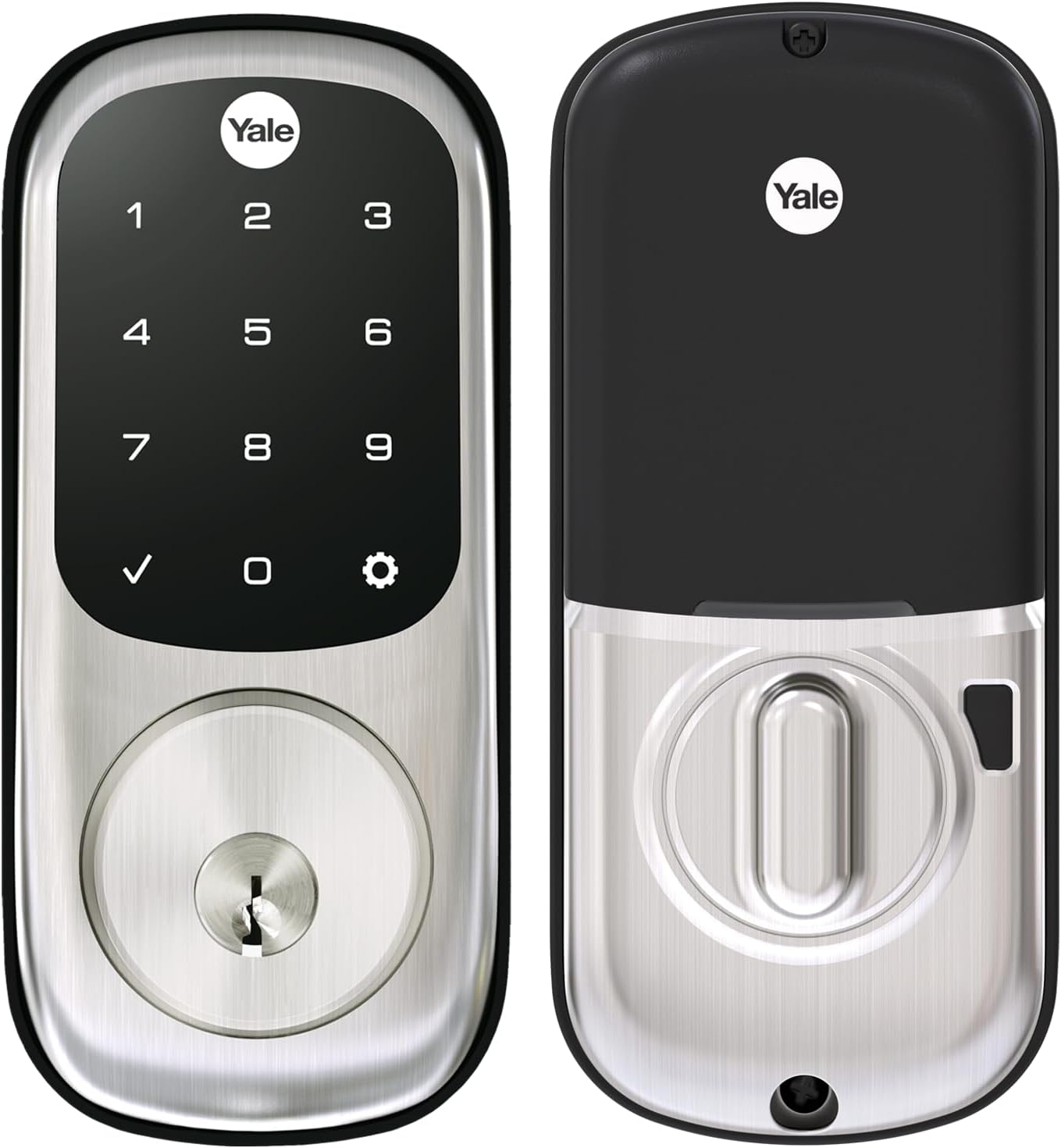
- Deadbolt Mechanism: Most Z Wave locks, including popular models like the Yale Assure Lock and Schlage Connect Smart Deadbolt, feature a robust deadbolt for enhanced security.
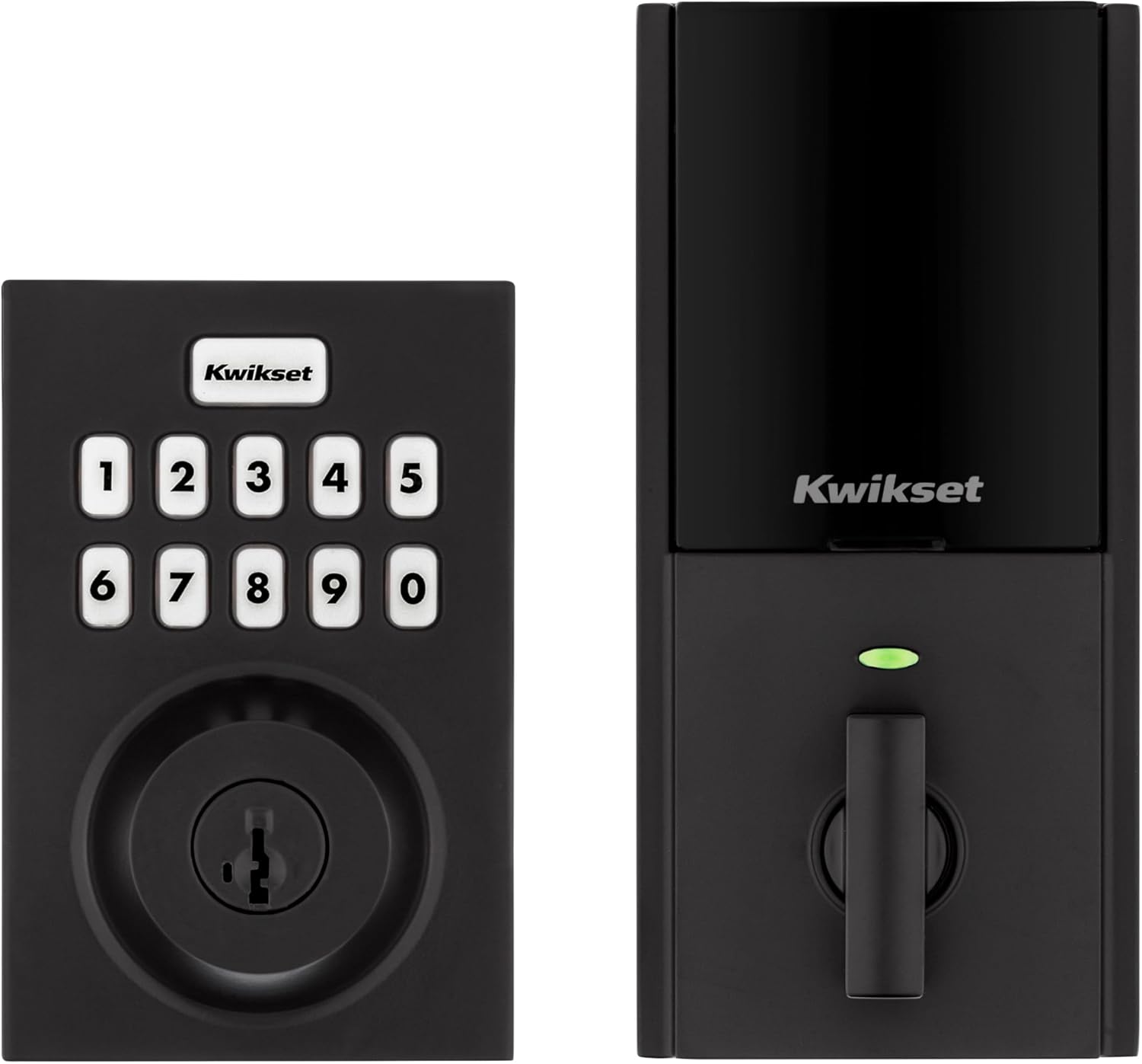
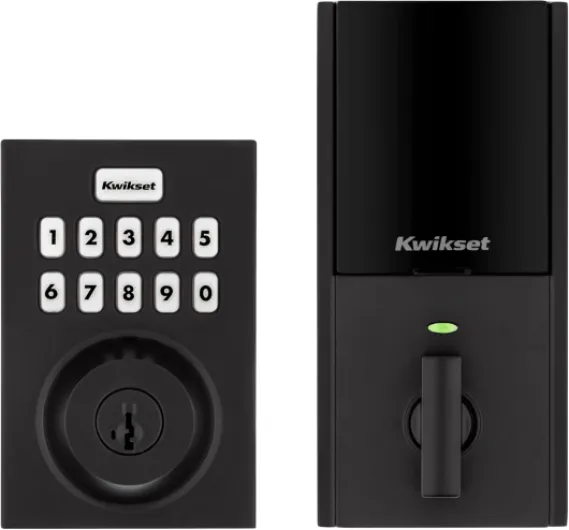
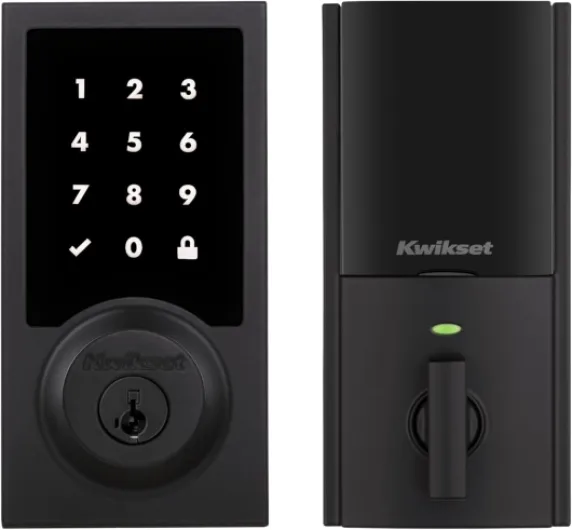
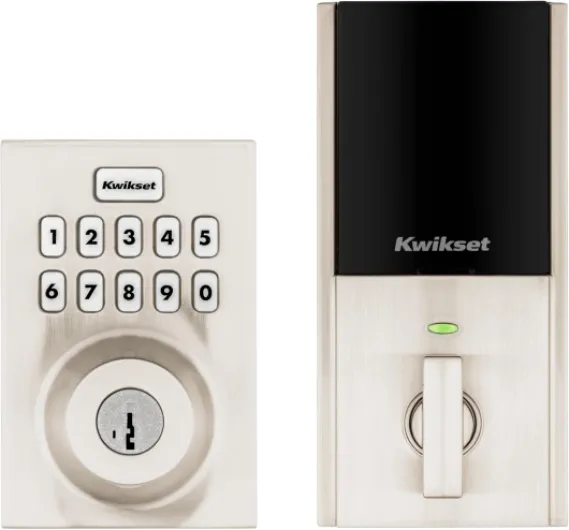
- Touchscreen or Keypad: Many products offer keyless entry via a touchscreen or keypad, eliminating the need for physical keys.
- Finish Options: Satin nickel is a common finish, providing a modern look that matches other hardware.
- Hub Required: To control your lock remotely or integrate with Alexa enabled devices, a compatible Z Wave hub is necessary.
Integration with Smart Home Ecosystems
Z Wave smart locks are designed to work with a wide range of smart home platforms. For example, you can connect your lock to Amazon Echo, Ring Alarm, or other enabled devices for voice control and automation. This flexibility allows you to manage access, monitor security, and even check the lock status from your phone or through Alexa. Some models offer advanced features like long range connectivity, making them suitable for larger homes or properties where the hub may be far from the front door.
Comparing Z Wave Lock Products
| Product | Finish | Key Features | Price (Amazon) |
|---|---|---|---|
| Yale Assure Lock SL | Satin Nickel | Touchscreen, keyless entry, Z Wave smart control | Check latest price |
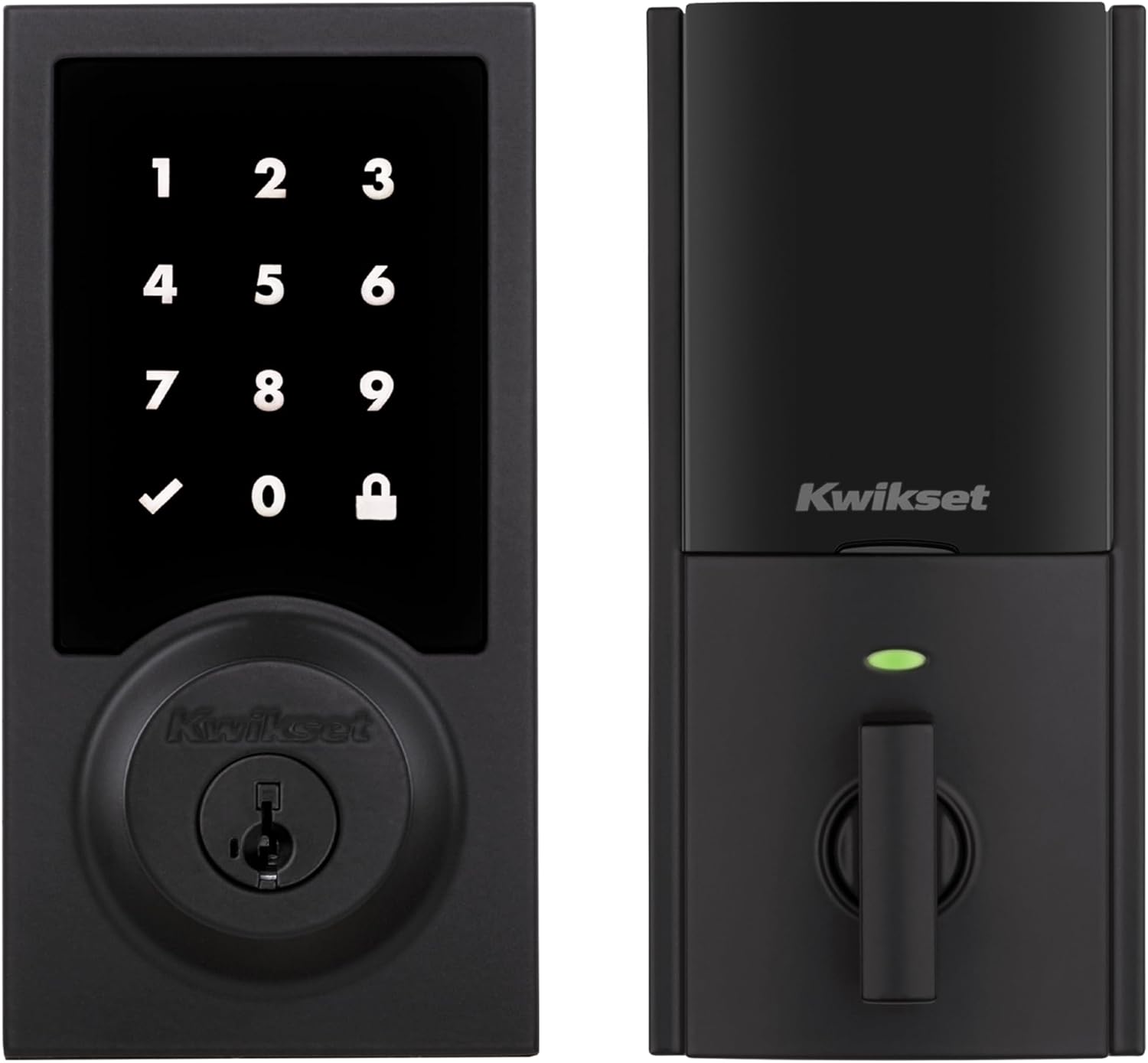
| Schlage Connect Smart Deadbolt | Satin Nickel | Touchscreen, long range, Alexa enabled | Check latest price |
When choosing a Z Wave door lock, consider the range, compatibility with your existing smart devices, and the security features offered. For more insights on how smart technology can enhance your home, explore the benefits of upgrading to smart lighting and energy-efficient solutions.
Key benefits of using a z wave lock
Why Z Wave Locks Stand Out in Smart Home Security
Choosing a Z Wave lock for your front door brings a range of advantages that go beyond simple keyless entry. These smart locks use the Z Wave protocol, which is known for its long range and reliable connectivity. This means you can control your door lock from anywhere in your home, or even remotely if you have a compatible hub required for remote access. Many popular brands, like Yale and Schlage, offer Z Wave-enabled devices that integrate seamlessly with other smart products.
- Enhanced Access Control: With a Z Wave smart lock, you can grant or revoke access to your home without handing out physical keys. This is especially useful for families, guests, or service providers. Some models, such as the Yale Assure Lock, offer touchscreen keypads for easy code entry.
- Integration with Smart Home Systems: Z Wave locks work with a variety of hubs and platforms, including Amazon Echo, Alexa enabled devices, and Ring Alarm. This allows you to control your smart deadbolt using voice commands or through your smartphone.
- Improved Security Features: Many Z Wave door locks offer advanced security, such as auto-locking, tamper alerts, and encrypted communication. Satin nickel finishes and robust deadbolt wave designs add both style and durability to your front door.
- Convenience and Flexibility: Whether you want to check if your door is locked, set up schedules, or receive notifications, Z Wave smart locks offer flexibility. Some products, like the Schlage Connect Smart Deadbolt, provide long battery life and easy integration with other smart devices.
- Value for Money: While the price of a Z Wave lock may be higher than traditional locks, the added features and peace of mind often justify the investment. You can find a range of options on Amazon, with finishes like satin nickel to match your home’s style.
For those interested in optimizing their smart home experience, pairing your Z Wave lock with compatible lighting and other smart devices can create a seamless, secure environment. If you’re also considering specialty lighting, check out this guide on choosing the right bulb for your salt lamp to further enhance your home’s ambiance.

- + Digital Touchscreen for easy access
- + Z-Wave compatibility for smart home integration
- + Includes backup key for secure access
- + Satin Nickel finish for durability and aesthetic appeal
- + Suitable for front or back entry doors

Compatibility with smart lighting systems
Integrating Z Wave Locks with Smart Lighting
When building a connected home, it’s important to consider how your z wave lock will interact with other smart devices, especially your lighting system. Many homeowners want their front door lock to trigger lights automatically for convenience and added security. Fortunately, most z wave enabled locks, such as the Yale Assure Lock or Schlage smart deadbolts, are designed to work seamlessly with a wide range of smart lighting products.
- Hub Required: To connect your z wave lock with smart lights, you’ll typically need a compatible smart home hub. This hub acts as a bridge, allowing your lock and lighting devices to communicate, whether you’re using Amazon Echo, Ring Alarm, or other alexa enabled devices.
- Automation: With the right setup, unlocking your door lock can automatically turn on hallway or porch lights. This is especially useful at night or when arriving home with your hands full.
- Long Range: Z wave technology offers reliable, long-range communication, so your smart lock and lighting can stay in sync even in larger homes.
- Product Compatibility: Look for z wave locks and lighting products that clearly state compatibility with your chosen hub and voice assistant, such as "works with Alexa" or "works with Ring." Popular finishes like satin nickel are available for both locks and lighting hardware, making it easier to match your home’s style.
Some z wave smart deadbolts offer advanced features like touchscreen keyless entry, which can be paired with lighting scenes for added convenience. For example, entering your code on a Yale Assure lock could trigger a "welcome home" lighting scene. If you’re interested in learning more about how smart thermostats and lighting work together, check out this guide on integrating thermostats with smart lighting.
When comparing price and features, consider not only the lock’s security and access control but also how easily it will connect with your existing or planned smart lighting setup. Brands like Yale and Schlage offer a range of z wave products that support these integrations, making it easier to create a truly connected home environment.
Installation tips for z wave locks
Preparing for a Smooth Installation
Before installing a Z-Wave smart lock, such as a Yale Assure Lock or a Schlage Connect Smart Deadbolt, it’s important to check your door’s compatibility. Most Z-Wave locks are designed for standard doors, but double-check the thickness and backset. If your door is not prepped for a deadbolt, you may need additional tools or professional help.Gathering the Right Tools and Materials
You’ll typically need a screwdriver, tape measure, and possibly a drill. Many smart deadbolts, including satin nickel finishes, come with detailed instructions and all necessary mounting hardware. Make sure you have fresh batteries ready, as most Z-Wave locks are battery-powered.Step-by-Step Installation Process
- Remove your existing door lock or deadbolt. Keep the screws and strike plate if they are in good condition.
- Install the new Z-Wave deadbolt following the manufacturer’s instructions. Align the bolt and keypad or touchscreen carefully for smooth operation.
- Secure the lock on both sides of the door. Tighten screws evenly to avoid misalignment.
- Insert batteries and test the lock manually before connecting it to your smart home system.
Connecting to Your Smart Home System
Most Z-Wave locks require a compatible hub for full control. Popular options include Ring Alarm, Amazon Echo with Z-Wave hub, or other enabled devices. Follow the lock’s instructions to pair it with your hub. Once connected, you can control access, monitor status, and integrate with Alexa enabled routines or other smart lighting products.Tips for Reliable Performance
- Ensure your Z-Wave hub is within range of the lock. Z-Wave long range models offer improved connectivity, but obstacles like walls can affect performance.
- Update firmware regularly for enhanced security and new features.
- Consider satin nickel or other finishes that match your front door for a cohesive look.
- Check the product’s price and reviews on Amazon or other trusted retailers to compare features and reliability.
Keyless Entry and Access Control
Many Z-Wave smart locks offer keyless entry via touchscreen or keypad, adding convenience and security. Some models, like the Yale Assure Lock, provide temporary codes for guests or service providers. Always test the lock wave function and access control features after installation to ensure everything works as expected.Security features to look for in a z wave lock
Essential Security Features for Z Wave Door Locks
When evaluating a Z Wave smart lock for your front door, security should be at the top of your checklist. Not all products offer the same level of protection, so it’s important to know what features make a difference. Here’s what to look for when comparing models like the Yale Assure Lock, Schlage Connect Smart Deadbolt, and other popular options available on Amazon.
- Keyless Entry: Many Z Wave locks offer keyless entry, reducing the risk of lost or copied keys. Touchscreen keypads are common, letting you set unique codes for family or guests. Some models, such as the Yale Assure Lock SL, feature a backlit touchscreen for easy use at night.
- Encryption and Secure Communication: Look for locks that use advanced encryption to protect wireless signals. Z Wave technology itself is designed for secure, long-range communication, but product-specific encryption adds another layer of defense against hacking.
- Auto-Lock and Alarm Features: Auto-locking ensures your door secures itself after a set period. Some smart deadbolts, like the Schlage Connect, include built-in alarms that sound if someone tries to force the door.
- Physical Security: The build quality matters. Choose locks with solid metal construction and ANSI/BHMA Grade 1 or 2 ratings for durability. Satin nickel finishes are popular for their resistance to wear and matching modern home aesthetics.
- Remote Access and Control: With a compatible hub required, you can control your lock remotely via Alexa enabled devices, Amazon Echo, or Ring Alarm systems. This lets you check lock status, grant access, or lock/unlock your door from anywhere.
- Integration with Access Control Systems: Some Z Wave locks work seamlessly with other smart home products, expanding your control options. For example, integrating your lock with smart lighting can trigger lights when the door unlocks, enhancing both security and convenience.
When comparing price and features, consider how each product fits your needs for long range connectivity, security, and compatibility with your existing smart home setup. Always check user reviews and product certifications before making a final decision.
Troubleshooting common issues with z wave locks
Common Problems and Practical Solutions
When using a Z-Wave smart lock, such as a Yale Assure Lock or Schlage Connect Smart Deadbolt, users may encounter a few recurring issues. Here are some of the most frequent problems and how to address them:- Connectivity Issues: If your lock loses connection with your Z-Wave hub or enabled devices like Amazon Echo or Ring Alarm, check the range. Z-Wave long range is typically up to 150 feet indoors, but walls and metal doors can reduce this. Try relocating your hub or adding a Z-Wave repeater to improve signal strength.
- Battery Drain: Smart deadbolts and keyless entry systems rely on batteries. If your lock’s battery drains quickly, ensure you’re using high-quality batteries. Also, check for firmware updates from the product manufacturer, as these can improve battery efficiency.
- Unresponsive Touchscreen: For touchscreen models like the Yale Assure Lock SL, dirt or moisture can cause the screen to stop working. Clean the touchscreen gently with a soft, dry cloth. If the problem persists, reset the lock following the product manual.
- Mechanical Jamming: If your deadbolt is hard to turn or gets stuck, check the door alignment. Smart locks like the Schlage Connect and Yale Assure in satin nickel finish require precise installation. Adjust the strike plate or door hinges if needed.
- Integration Problems: If your smart lock does not respond to Alexa enabled devices or does not show up in your smart home app, confirm that your hub is compatible and that the lock is included properly. Some locks require a hub for full access control and remote features.
- Access Code Issues: If you cannot add or delete user codes, make sure you are following the correct procedure for your specific model. Some locks, especially those with advanced security features, require you to be physically at the door lock to make changes.
Tips for Reliable Performance
- Always check if your smart lock product offers firmware updates and apply them regularly for improved security and stability.
- For long range performance, ensure your Z-Wave network is robust, especially if your front door is far from the hub.
- When purchasing, compare price and features on trusted sites like Amazon. Look for models that offer satin nickel finishes if you want durability and style.
- Remember, some locks require a hub for advanced features like remote control and integration with Alexa or other enabled devices.